
A menu bar utility that captures a screenshot at an exact pixel size. Type a width and height, press Screenshot, and its own capture overlay opens with the area already that size — dimmed surround, draggable and resizable selection, timer, and a choice of where the file goes.
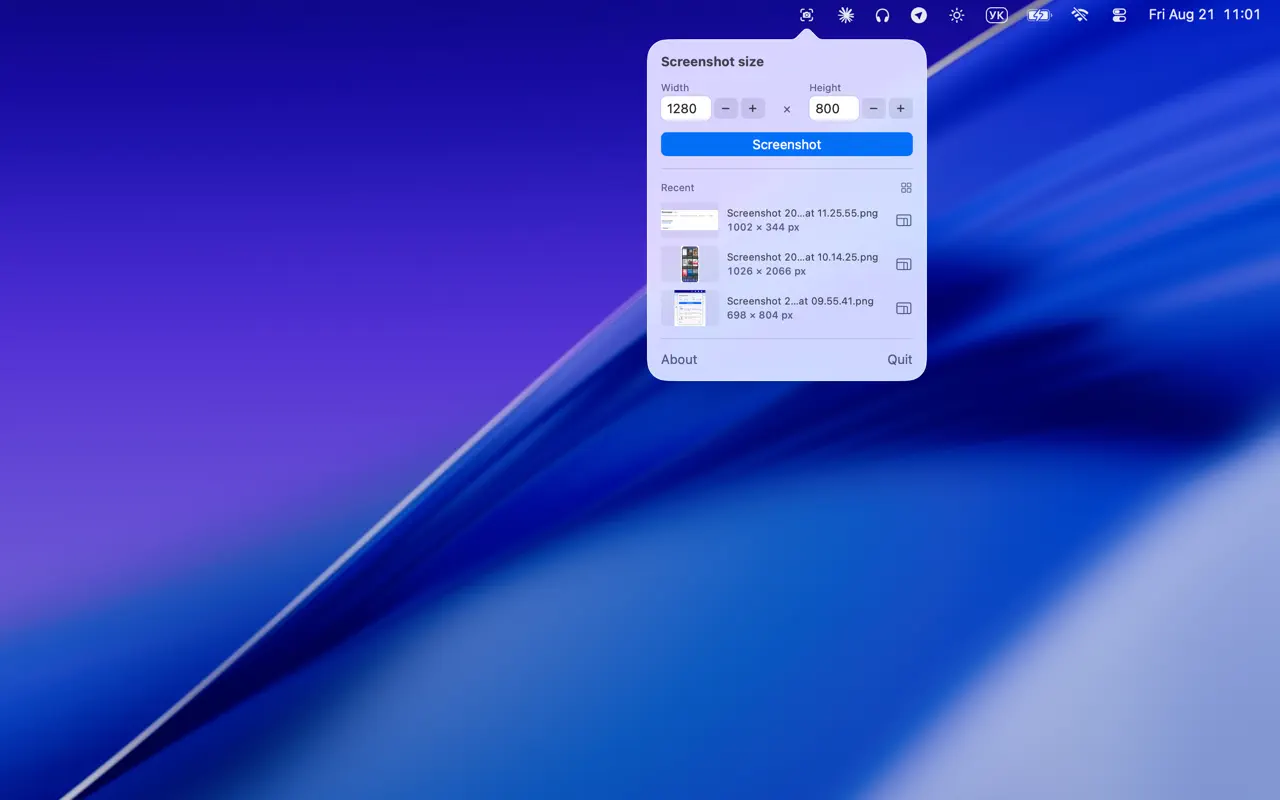
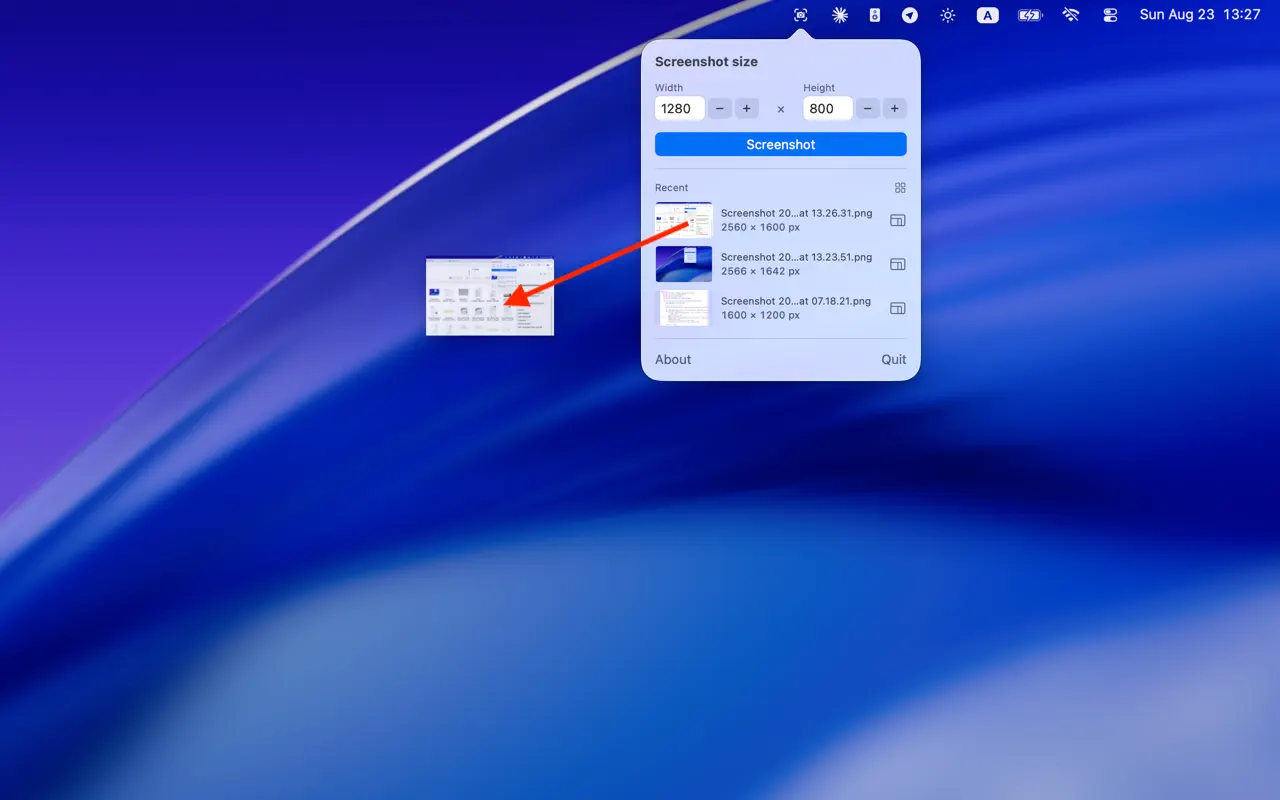
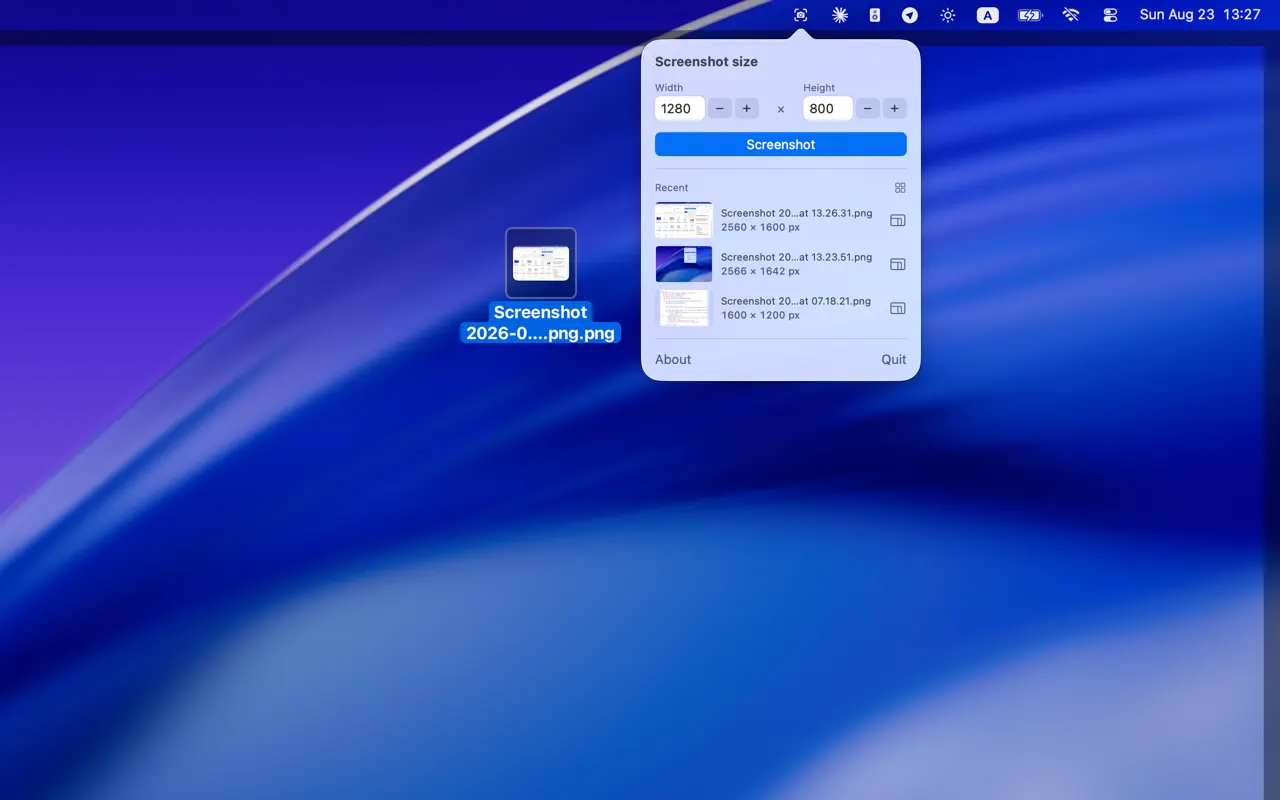
Snap the perfect size. Drag it to any app.
- Lives in the menu bar only — no Dock icon, no window.
- Left-click the icon for the panel, right-click (or ⌃-click) to go straight to the capture overlay.
- Opens with the size the system is actually set to, so a selection you resized by hand in the capture UI becomes the new default.
- Shows the last two screenshots with their real pixel size.
- Resizes a screenshot to the size you set, in place.
- Drag a screenshot straight into another app.
The capture overlay
Pressing Screenshot opens a full-screen overlay:
- Dimmed mask with a clear capture area, dashed border and eight resize handles
- Drag inside to move, drag a handle to resize, drag on empty space to draw a new area
- Live pixel readout, esc to cancel, return to capture
- A floating bar with three modes (entire screen, window, selection), an Options menu and the Capture button
Options mirror the system ones: Save to Desktop / Documents / Downloads / Pictures / Clipboard / Preview / Other Location, Timer None / 5 / 10 seconds, Show Mouse Pointer, Remember Last Selection.
Right-clicking the menu bar icon opens the same overlay directly, skipping the panel. Menu Screenshot captures for itself with ScreenCaptureKit — it does not drive, launch or depend on Apple’s Screenshot app. Screen recording (video) is not part of it: this is a screenshot tool.
Permissions
The app is sandboxed. Two grants are needed, both once:
- Screen Recording — required by macOS for any capture. macOS asks on the first attempt; if it is refused, captures fail with a message pointing at System Settings.
- A save folder — a sandboxed app can only write where you point it. Choosing Downloads (or any folder) opens a picker once, and the grant is kept. The Recent list reads the same folder.
No accounts, no in-app purchases, no data collected.
Requirements
macOS 14 or later.