Librera1 Reader
Still being tested. This is a test version of Librera1, not a finished release. It changes often, and when it does, the marks you make — your highlights, your bookmarks and the page you stopped on — can be lost. Nothing is thrown away on purpose, but please keep your own copies of your books, and don’t treat this as the only record of your reading.
A reader for the books you already have
Open an EPUB, PDF, FB2, MOBI or CBZ, and read it on whichever device is to hand — the page you stopped on, the passages you marked and the places you named follow you between them.
New, and built new: Librera1 is a fresh start from the maker of the original Librera Reader — one reader, written once, for the phone, the desktop, the browser and the editor, with your books and your marks the same in all of them.
What it does
Reads what you own
Books come from your own files — dragged onto the window, chosen from your machine, or taken from a folder on your Google Drive. There is no shop and no catalogue.
Keeps your place, everywhere
Where you got to, your highlights and underlines, your bookmarks and your shelves are the same on the phone, the desktop and the browser, as soon as you sign in.
Leaves the typography to the book
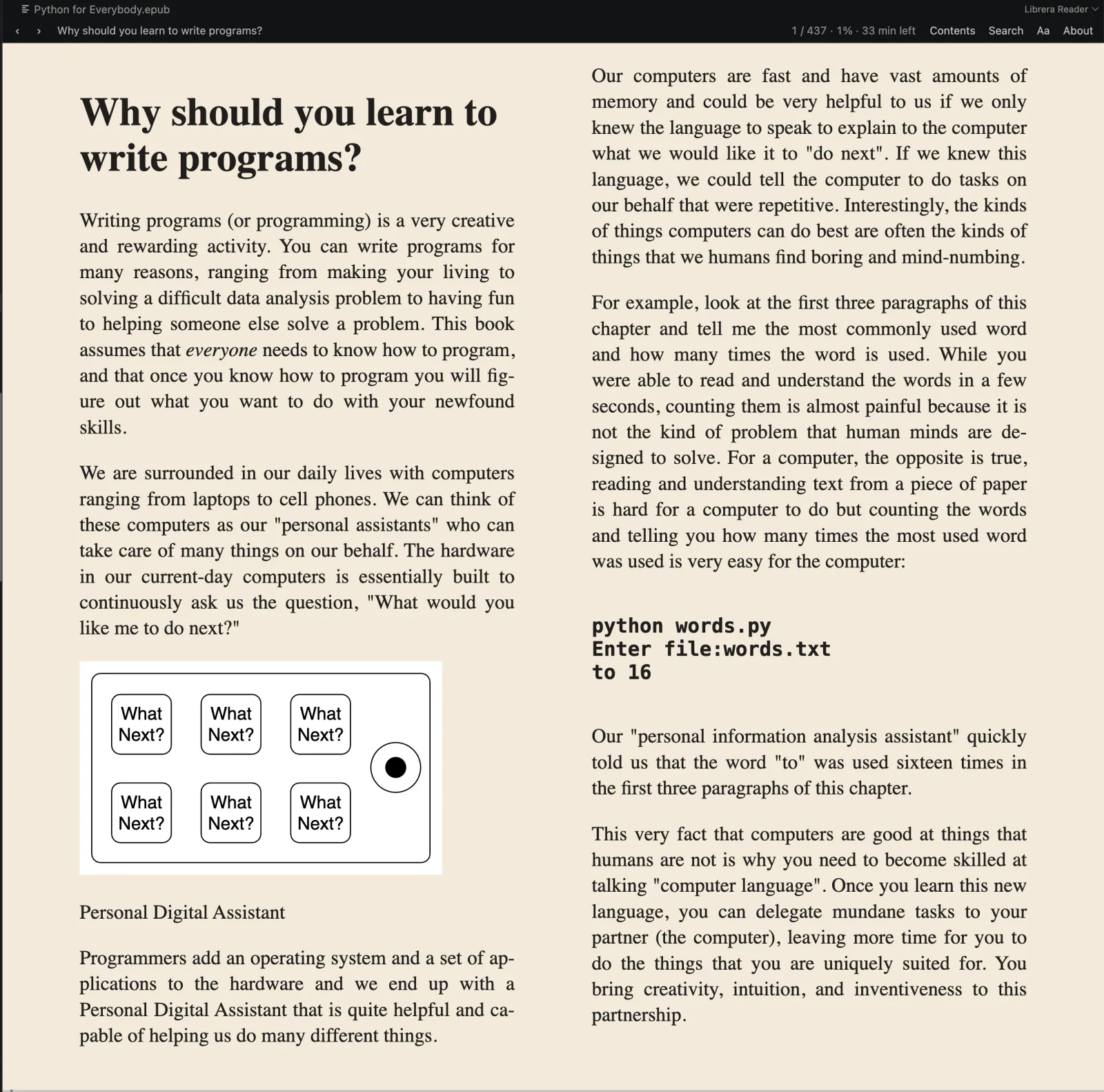
A book is laid out as its own designer meant it, so it looks like itself. What you choose is the page: one column or two, its width, the margin, the text size, the reading theme, and one of three typefaces.
Stores your books on your device
Nothing is uploaded anywhere unless you ask for it.
Marks up ten passages a book, free
Every book you own can hold ten notes and ten marks without paying anything. Premium lifts both limits.
Reads without a signal
Once a book is on the device it opens with no network at all.
The library
The books that have been opened, in a grid, with the one being read at the top. Tapping that card goes back to it; tapping any other book opens it where it was left. Above the grid, Date / Title / Size order the shelf; the library’s own settings choose the app theme, grid or list, and cover size. What a book looks like — its type, margins, themes — stays with the book, in the reader’s sidebar.
Every card carries a menu with three marks — Favorite, Finished, Want to Read — and the shelves read them: what the reader says beats what the progress says, so a book marked finished is finished at 0%, and one marked “want to read” stays there half read.
The shelves: everything, favourites, what you mean to read, what has been finished, then one shelf per format present, then Google Drive. A format shelf exists only when a book of that format does — a library of EPUBs has no reason to offer a CBZ shelf.
Reading settings
The sidebar adjusts the book live. Nothing there reloads it, so you keep your position.
| Setting | What it does |
|---|---|
| Layout | Paged spread or continuous scroll |
| Columns | One, or two where the window is wide enough to split |
| App theme | Auto (follows the system), White or Black — the chrome only |
| Reading theme | Paper, Crisp, Sepia, Mint, Dusk, or Custom — the page and the frame around it |
| Book font | The book’s own, or Literata, Lora or Atkinson Hyperlegible |
| Text size | 60–250% |
| Line spacing | 1.0–2.6 |
| Page margin | 0–80 dp |
| Hyphenation, Justify | On or off |
| Page animation | Slide between pages, or cut straight to the next |
The custom reading theme is two colours you pick, background and text, from a hue strip and a saturation/value square. There is no preview panel because the book itself is the preview: the page re-colours as the finger moves.
The app theme and the reading theme are separate: the chrome can be dark around a sepia page, which is what reading at night on a bright page wants.
Scroll mode is continuous through the whole book — it doesn’t stop dead at the foot of every chapter.
Turning pages. Tapping the left or right third of the page turns it, in both layouts. The middle third calls the sidebar out and puts it away again. Arrow keys, Page Up/Down and space work wherever there is a keyboard. On Android, the volume buttons turn pages — down for forward and up for back — and Back is a step out rather than a way out: the sidebar goes away first, then the book gives way to the shelf.
In VS Code
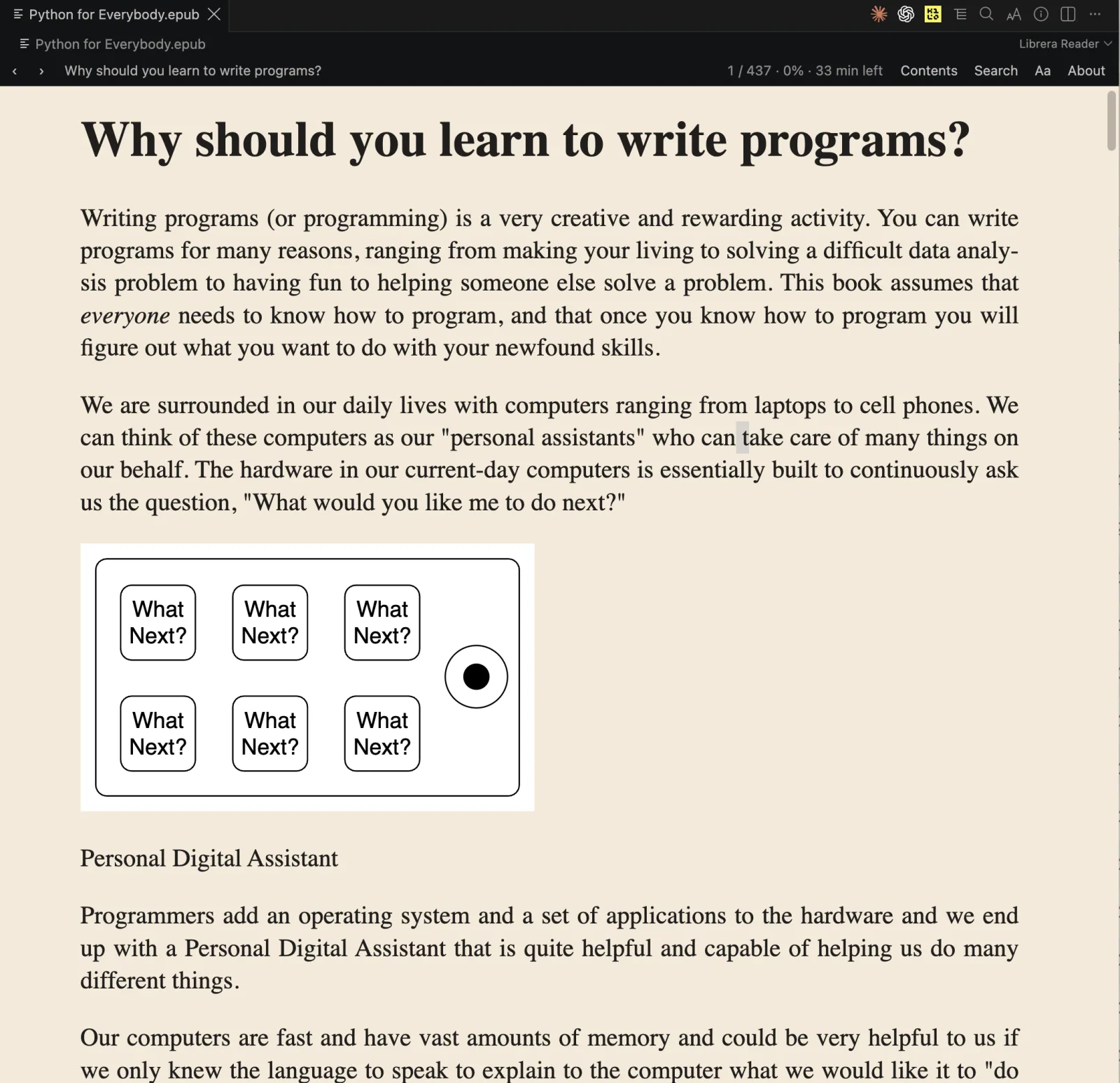
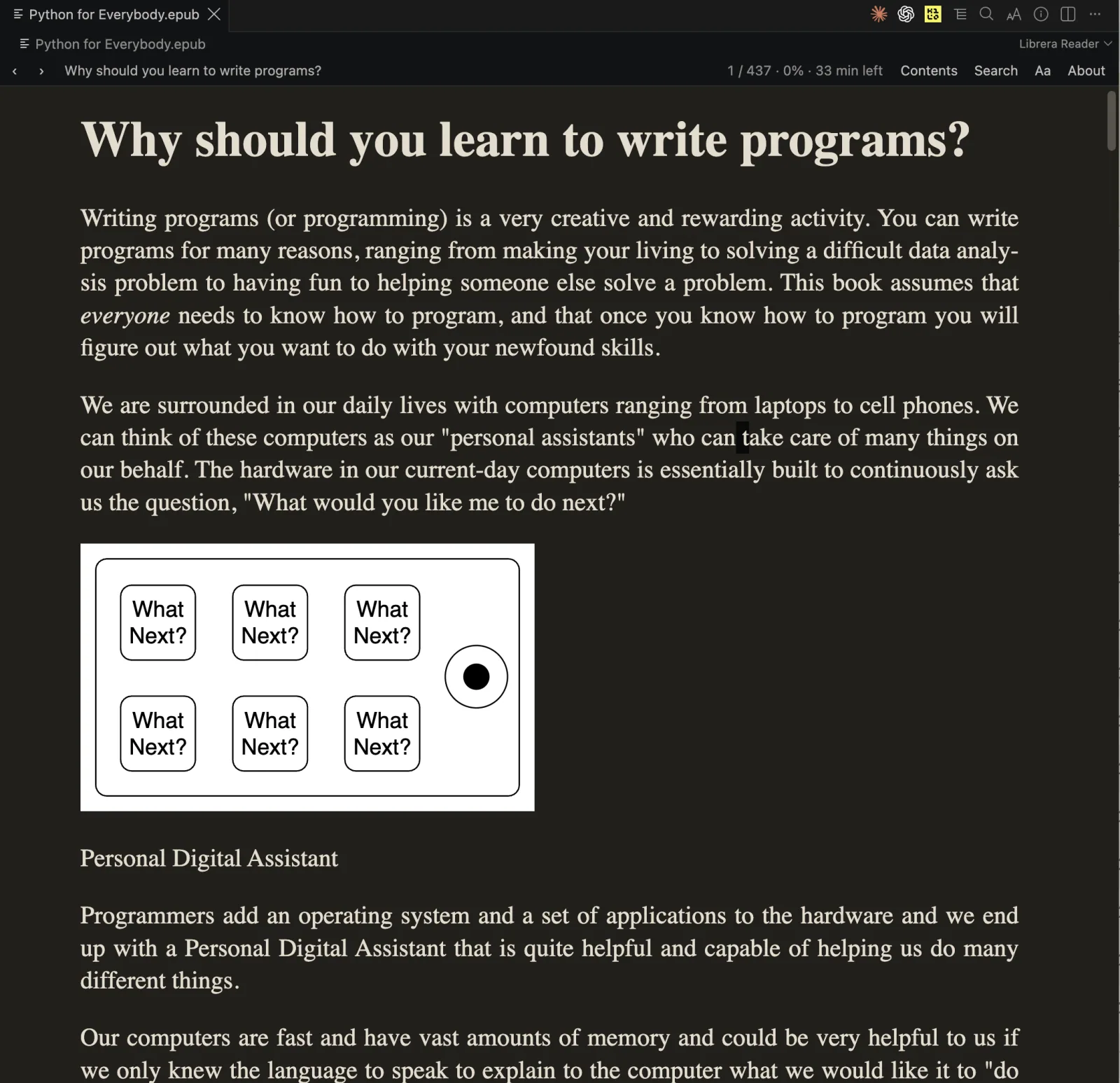
The Librera1 extension opens EPUB, PDF, FB2, MOBI and CBZ books in an editor tab. The book is read from where it sits, and where you stopped reading it is kept in VS Code’s own storage. Double-click a book in the explorer, or use Librera: Open Book… in the command palette.
- Contents — the table of contents, filterable.
- Marks — every highlight, underline and bookmark in this book, in the book’s order.
- Search — searches the whole book, filling in as it goes.
- Aa — the face, the page, text size, line spacing, column width, one or two columns, paginated or scrolled, and whether to override the book’s own font.
Reading themes: Editor (the colours of whichever VS Code theme is running — the default), Paper, Crisp, Sepia and Dusk.
Premium
The reader is free, and stays free. Premium lifts the two limits a free library has — ten notes and ten marks in each book — and nothing else about the app changes.
Every book, every format, however many you have. Reading, syncing your place, and your shelves, on every device. Ten notes and ten marks in each book — per book, not per library.
or $29.99 a year — two months of the monthly price back. Unlimited notes and marks in every book. It follows the account, not the device: subscribe on your phone and the desktop and the browser unlock as soon as you are signed in.
Prices are shown in your own currency by the store before you buy. Subscribe in the app on Android or iOS, or in the browser at librera1.com. A subscription renews automatically until you cancel it, at least 24 hours before it next renews, wherever you bought it. A subscription that lapses leaves every bookmark and every note where it is.
Download
- WebOpen in the browser. Works offline once loaded.
- AndroidGoogle Play.
- Android APKThe same app, from GitHub, for devices without Play.
- iOSOpen beta on TestFlight.
- DesktopmacOS, Windows, Linux — from GitHub releases.
- Chrome extensionChrome Web Store.
- VS CodeVisual Studio Marketplace.
iOS is in open beta: the link opens TestFlight, Apple’s app for trying releases before the App Store — install it, tap the link again, and the reader is yours.