About the Librera Book Reader application for Android
Librera Reader is also known as Lirbi Reader and PDF Reader.
Just a few of Librera’s main features
- Easy document discovery by configurable criteria:
- Auto-Scan (of user-preset folders)
- Browse (with an in-app file explorer)
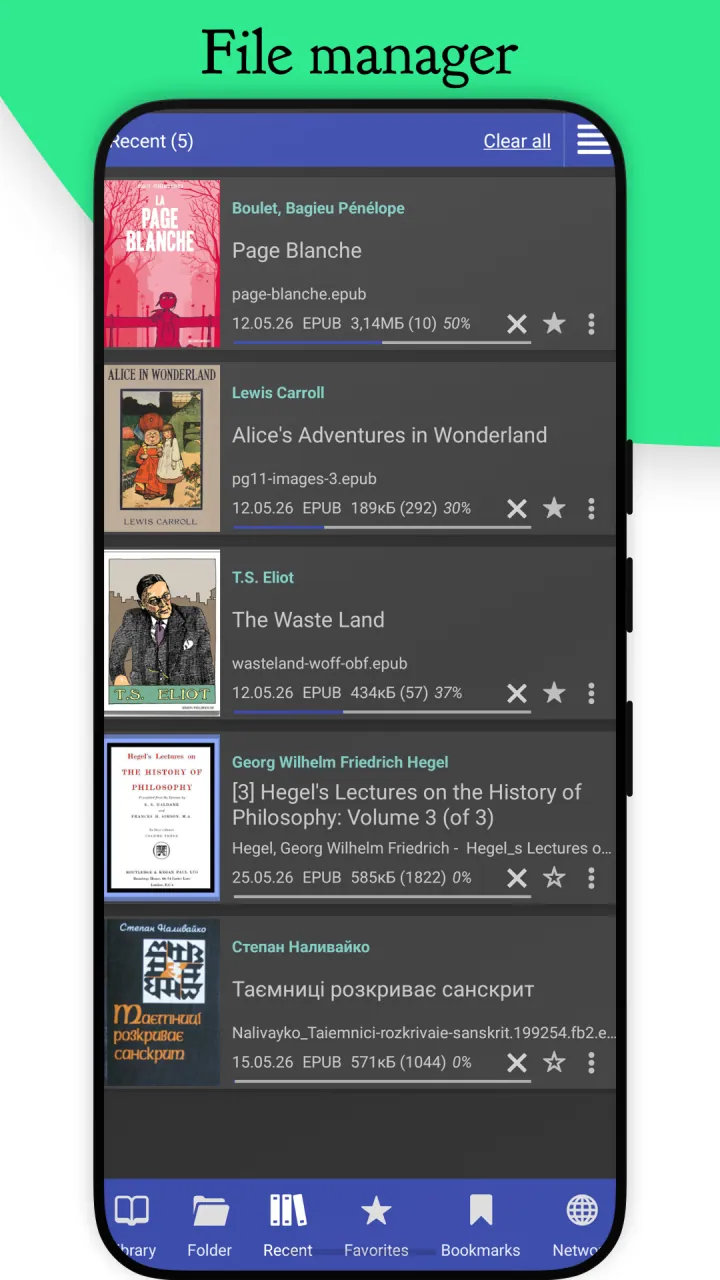
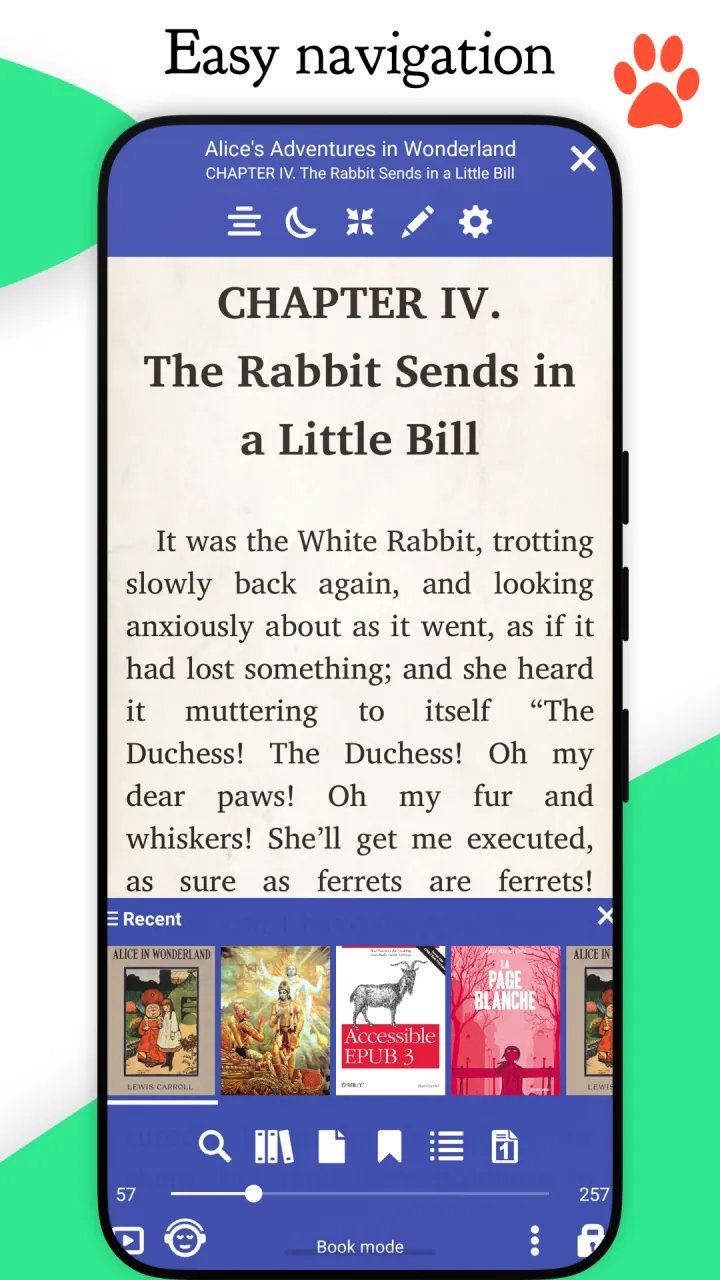
- Recent (featuring a reading-progress indicator)
- Support for bookmarks, annotations, and EPUB3 tables of contents
- Support for clouds and online catalogs
- Syncing across Android devices via Google Drive (reading progress, bookmarks, etc.)
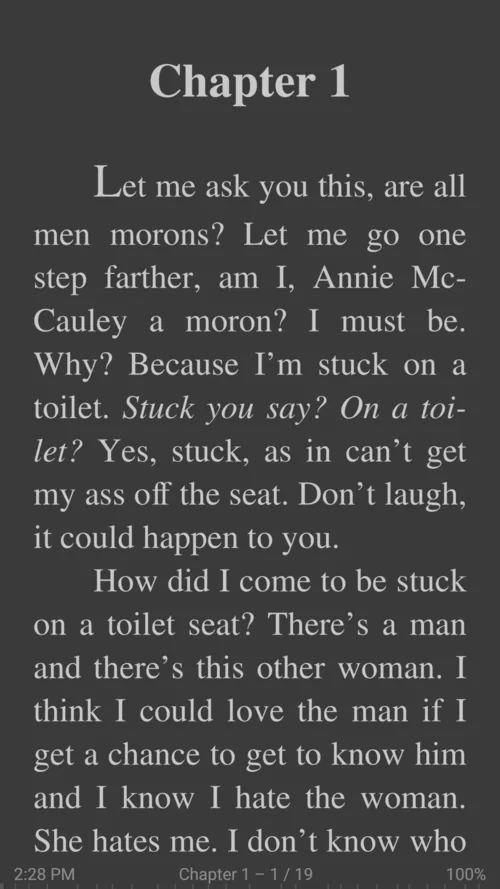
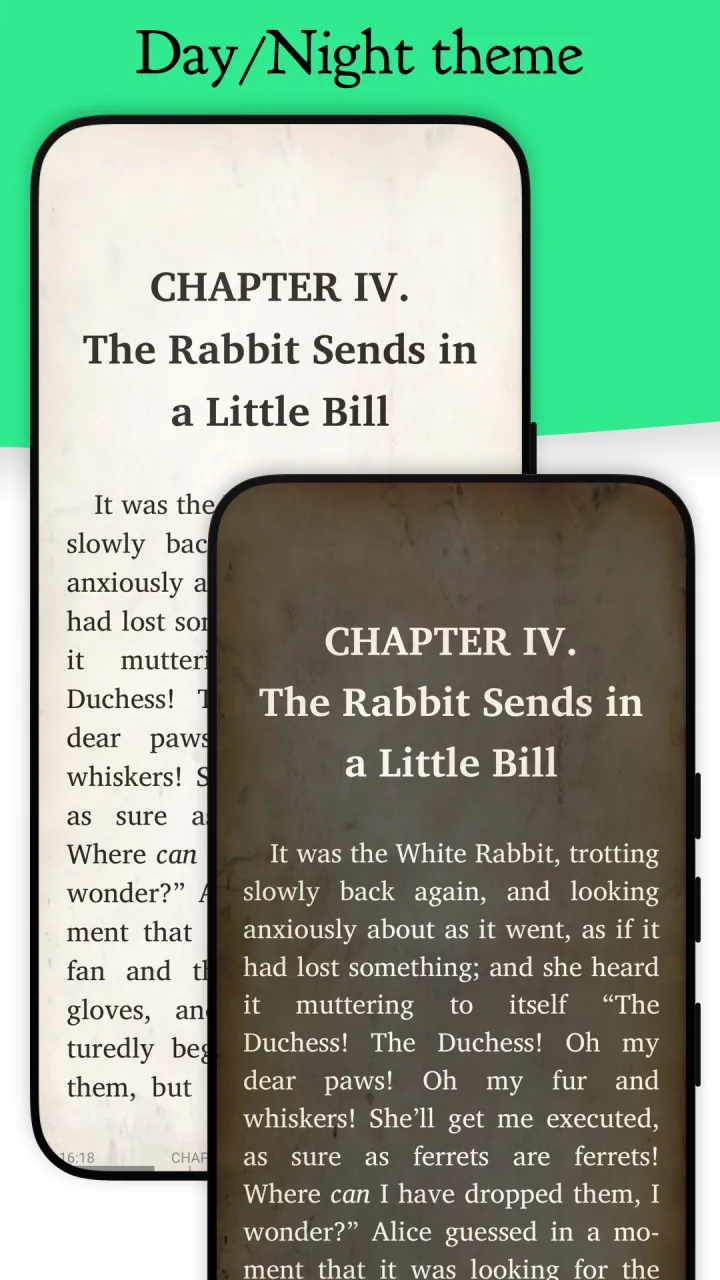
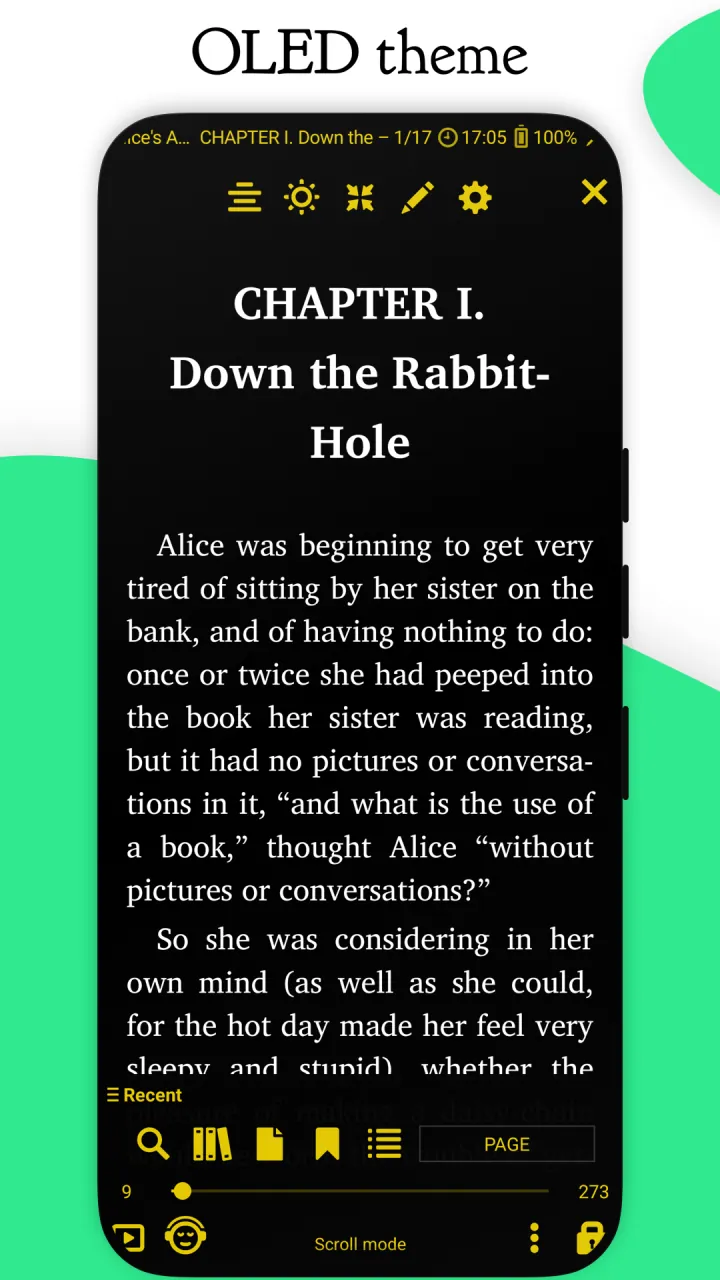
- Configurable Day and Night modes
- Configurable link color (hence, footnotes and endnotes color)
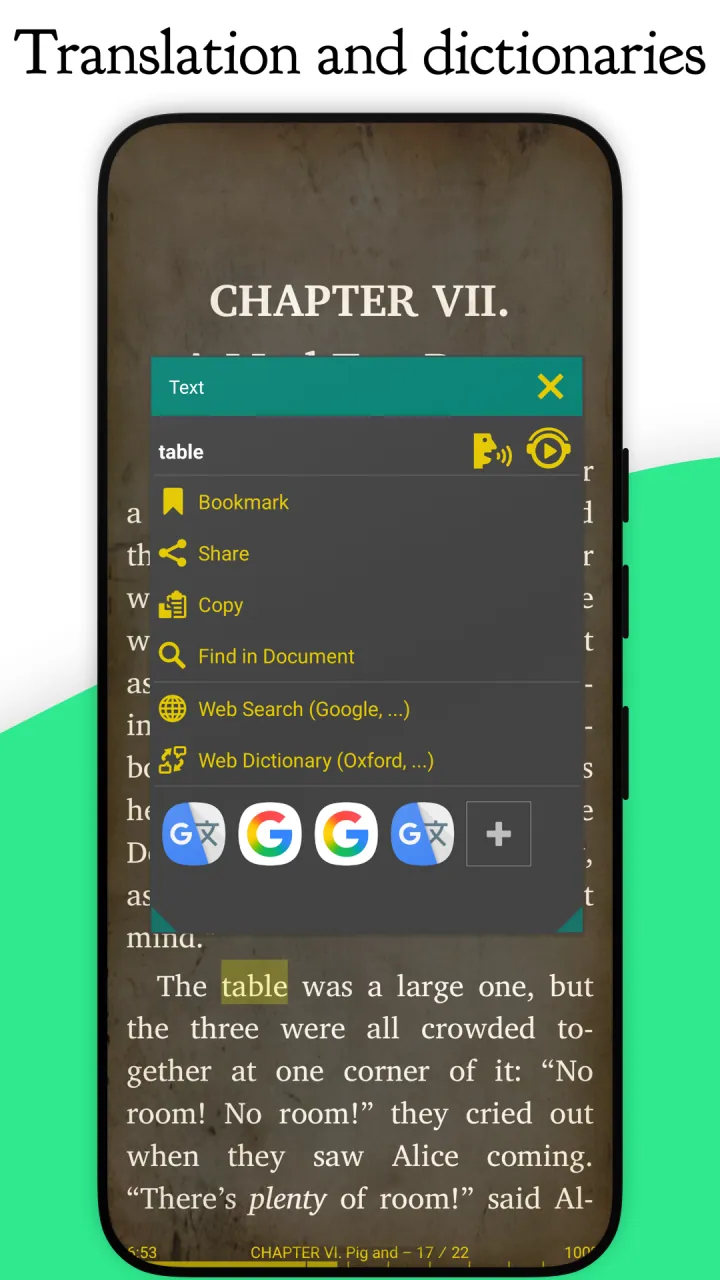
- Support for many popular online (including translators) and offline dictionaries
- Vertical-scroll lock
- Auto- and manual centering of documents
- Custom CSS code input
- Single-page view of two-page documents
- Musician’s mode with configurable scroll speed
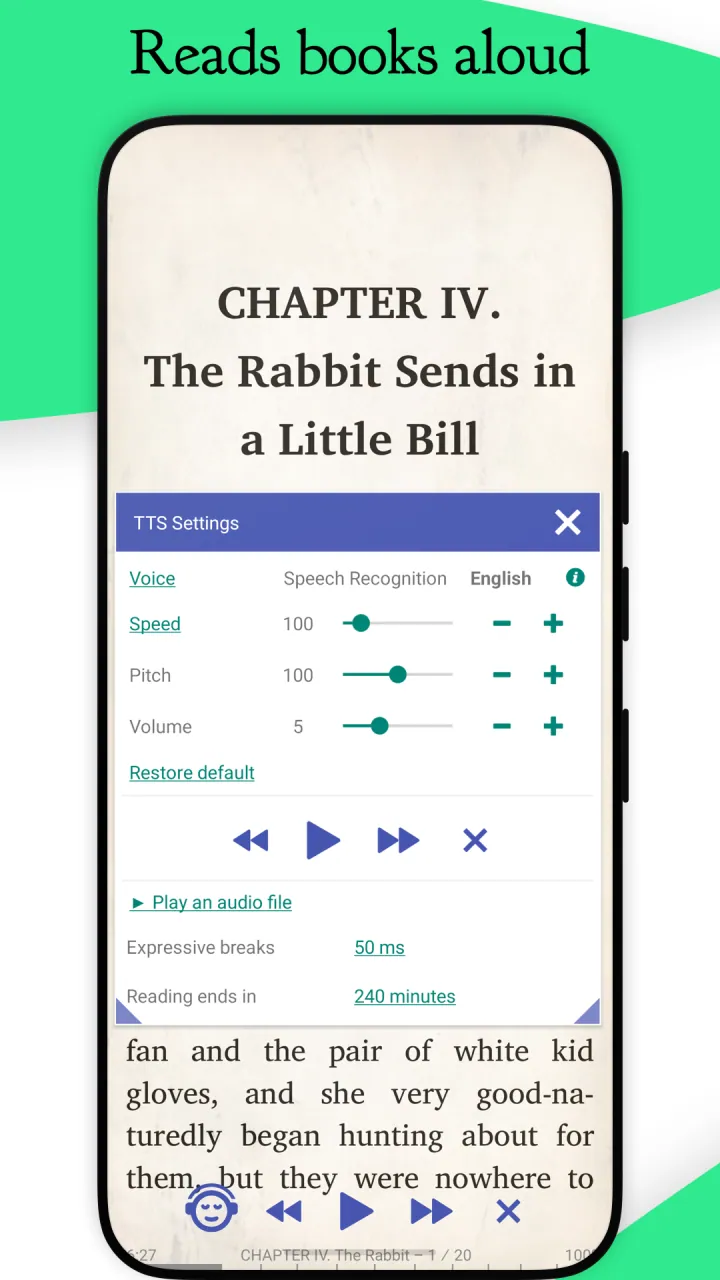
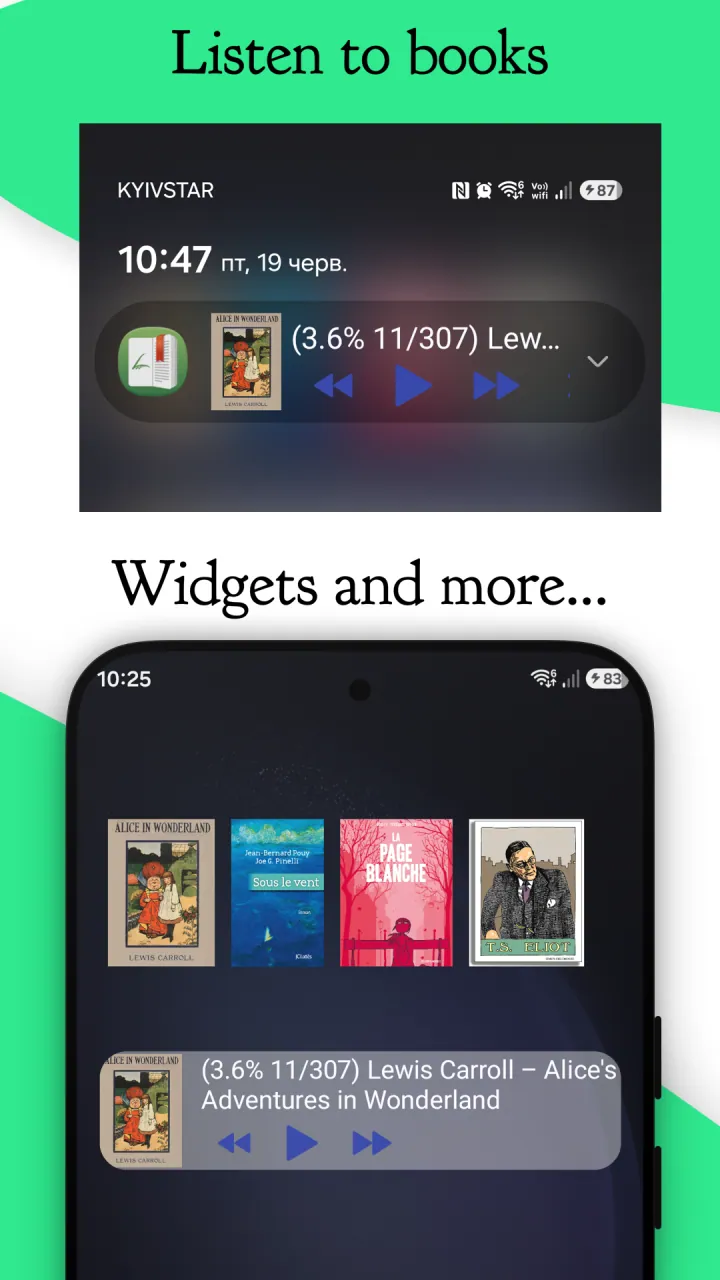
- Customizable TTS reading and built-in media player
- Multi-word text search
- Online document conversion
- Reading of archived (.zip) documents
- Support for RTL languages (Thai, Hebrew, Arabic, etc.)
- Import and export of settings, auto-backup of current session
- Leading initials in FB2 documents
- And a whole bunch of other features for you to check out.
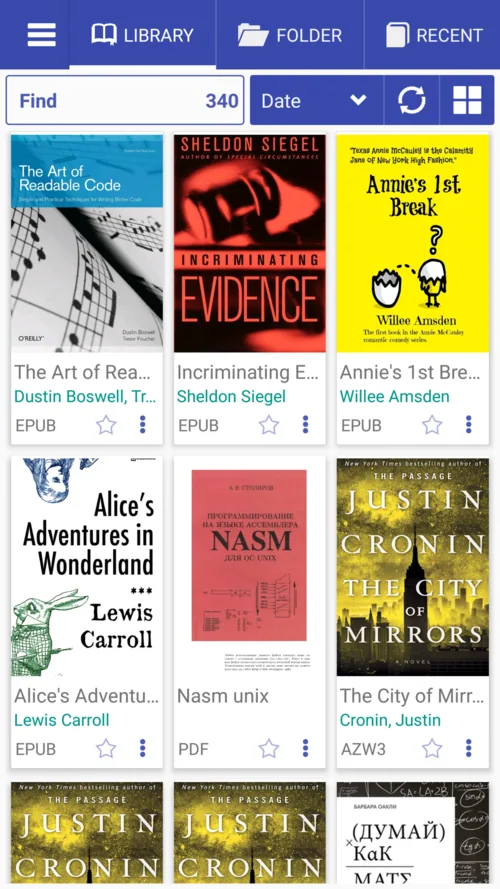
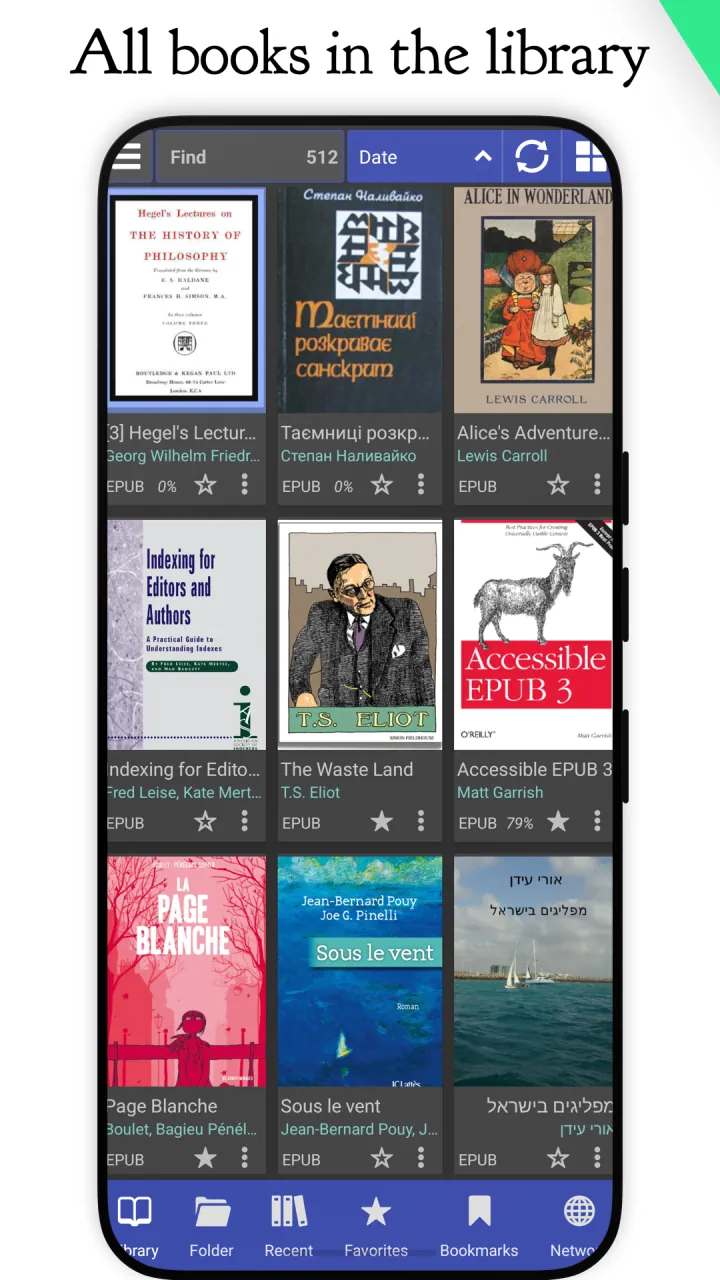
With Librera Reader, you can easily create self-maintained libraries of all your documents by specifying which formats to include and which folders to scan. All document collections can be viewed as a list or grid. Documents are easily identified by size- and style-adjustable thumbnail covers and detailed descriptions. Your library can be sorted by path, name, size, date, etc., and there is a filter to help locate specific documents or document groups.
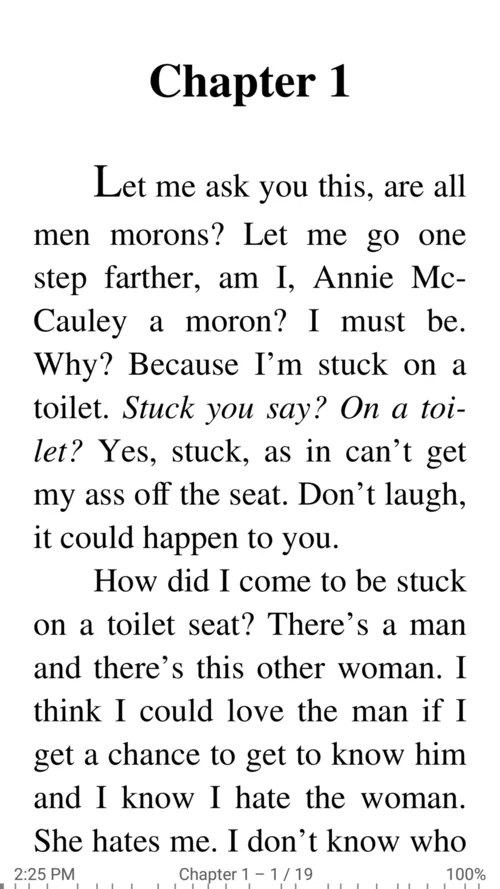
While reading, documents can be locked into a vertical-scroll-only mode and navigated either page- or screen-wise. Text can be reflowed and annotated. Volume keys’ functionality is configurable, and backgrounds and fonts customizable via the intuitive Settings window. Excerpts (selections) can be translated, shared, copied, and searched for inside the document or on the Internet.
The best way to fully appreciate Librera Reader, however, is to use its PRO version. You can start with Free, ad-supported one first, and decide for yourselves. We promise you won’t be disappointed. Once you are convinced, please obtain a PRO license to help the app’s further development.
Screenshots
Everything in one reader
Librera Reader is a light-weight and free book reading application that will devour almost any e-book format one can throw at her: PDF, EPUB, EPUB3, MOBI, DJVU, FB2, FB2.ZIP, TXT, RTF, AZW, AZW3, HTML, ODT, XPS, CBZ, CBR, TIFF, PDB, MHT and OPDS Catalogs.
It also supports reading out loud, using whatever TTS engine installed on your device. The application is just under 14MB, with the feature-rich and highly customizable interface to ensure a most comfortable reading experience one can imagine on an Android device. Librera Reader is intended as an all-in-one replacement for all your reading apps.
Moreover, it’s constantly under heavy development with the ultimate goal to implement all the wishes of its users.
-
Book reader interface
- Modern reading design
- Change theme and accent colors
- Night or daytime theme (Substratum friendly)
- Book display as a list or grid
- Change the size and look of book covers
- Library search
- Favorites list
- Recent list
- Notes and bookmarks in all formats
-
Bookshelf (library)
- Search for EPUB, FB2, PDF, etc. documents and create a library
- Add and remove folders
- Filtered book search: by title, author, series, genre, etc.
- Book display sorting: by author(s), genre, series, size, etc.
- Open folders with image assortments as books (bookbinding)
-
Reading settings
- Change background and font colors
- Solid and textured backgrounds (work for all formats, even PDF and DjVu)
- Select fonts for text, titles, italics, etc.
- Change reading direction (LTR, RTL)
- Intelligent white space cropping
- Night mode
- Lock page in place to disable accidental dragging
- Accurate PDF text reflow
- Page splitting
- Multi-word text search
- Honored document's CSS styles for EPUB, AZW, AZW3 and MOBI books
- Contents presentation in the form of nested hierarchy
- Commenting and drawing in PDF files
- Thumbnailed page display in Go To
- Open password-protected PDF documents
- Accurate multi-line text selection with draggable handles
- Manual brightness adjustment (+auto-brightness setting)
- Configurable tap-zones
- Text alignment, indents, line spacing, additional fonts
- RSVP speed reading for all supported formats
-
Unique mode for musicians
- Automatically scroll sheets at an adjustable speed
- Fast transition between previous and next sheet
- Return to the first sheet
- Notes and drawings
- Bookmarks
-
Learning foreign languages
- Listen to audio files within Librera (internal media player)
- Read aloud (using stock and custom Text-To-Speech engines)
- Dictionary lookup (installed dictionaries: GoldenDict, ABBYY Lingvo, ColorDict, etc.)
- Online search for word meanings and passage translations (GTranslate, Dictionary.com, Oxford, Longman, Cambridge, Collins, Merriam-Webster, Vdict, etc.)
-
PDF reader and PDF viewer
- Find all PDF documents on the device
- File manager, cover view
- Changing the document's background
- Day and night theme
- Notes, comments, and bookmarks
- Automatic scrolling at an adjustable speed
- Voice reading (TTS Reader)
- Opening of password-protected documents
- Page splitting
- Option to prevent accidental page dragging
-
Comic book reader
- CBZ, CBR formats (CBZ Reader)
- Thumbnail view
- Remember reading position on book close or/and exit
-
Advanced
- Opening any book (epub, fb2, mobi, pdf) packed in zip-format
- Opening documents in emails, file managers, and other sources
- Exporting notes to a file or an email
- Export and import book and app settings (automatic)
- Widget on the desktop
- Page sharing as image
- Support for offline Calibre libraries (search, meta-data, covers)
- EPUB3 multimedia support (video and audio)
- Office doc formats LibreOffice, OpenOffice (ODT, RTF)
- Support for online book Catalogs (Gutenberg, Manybooks) search and download
Learn more
- FAQ46 illustrated guides: the library, reading modes, TTS, dictionaries, sync, themes and more.
- What's newRelease notes, from Android Auto and the new media notification back to Librera 7.10.
- DownloadGoogle Play (Free and PRO), F-Droid, direct APK, beta builds and the source code.
- LibreraXThe future Librera application, for Android, iOS and macOS.