Menu Reminder holds the small things — the parcel, the call, the form due Friday — and hands them back at the moment they matter.
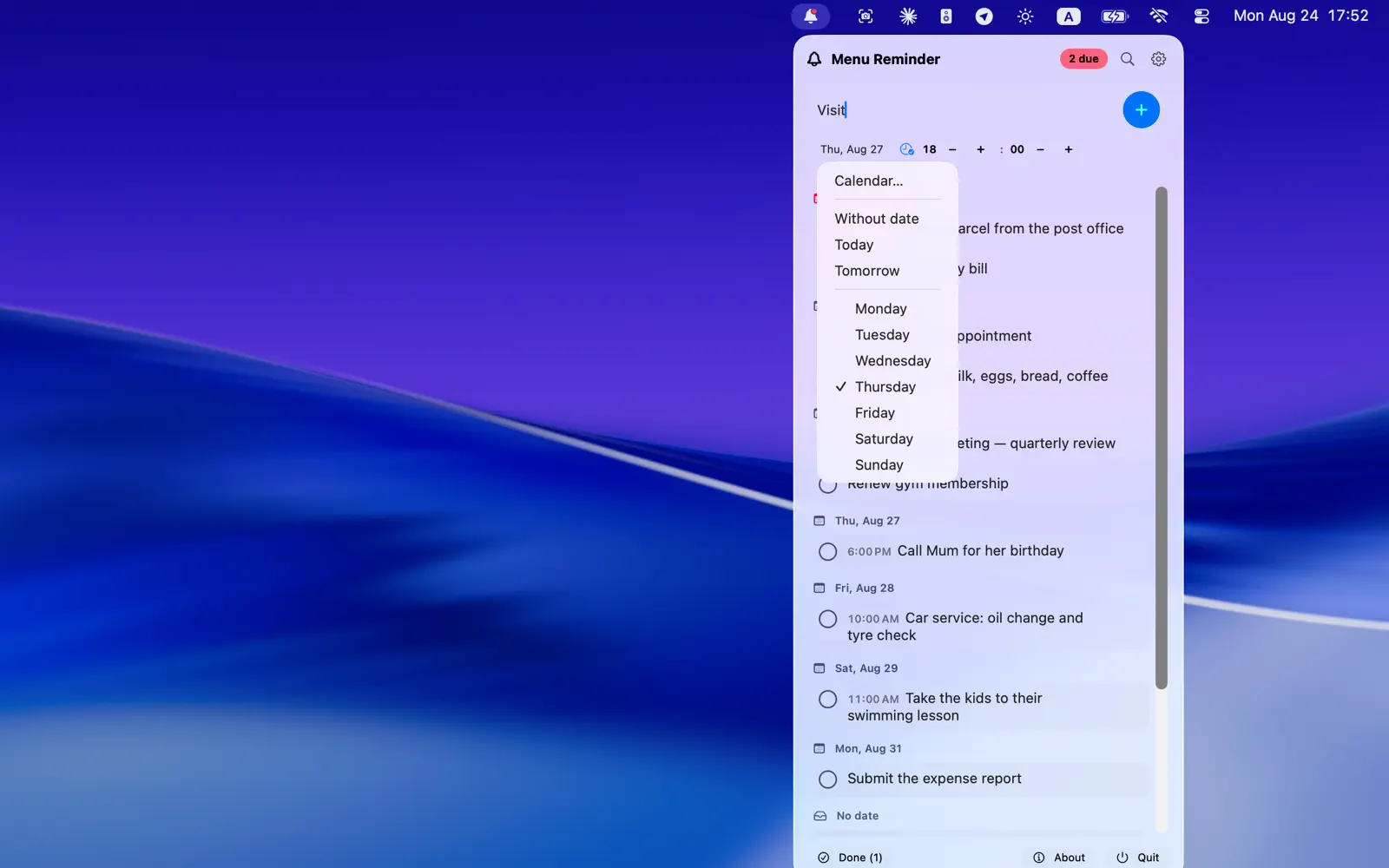
Type what you need to remember. Give it a day if it has one, and a time if it matters. That is the whole interaction.
Your day, grouped the way you think about it
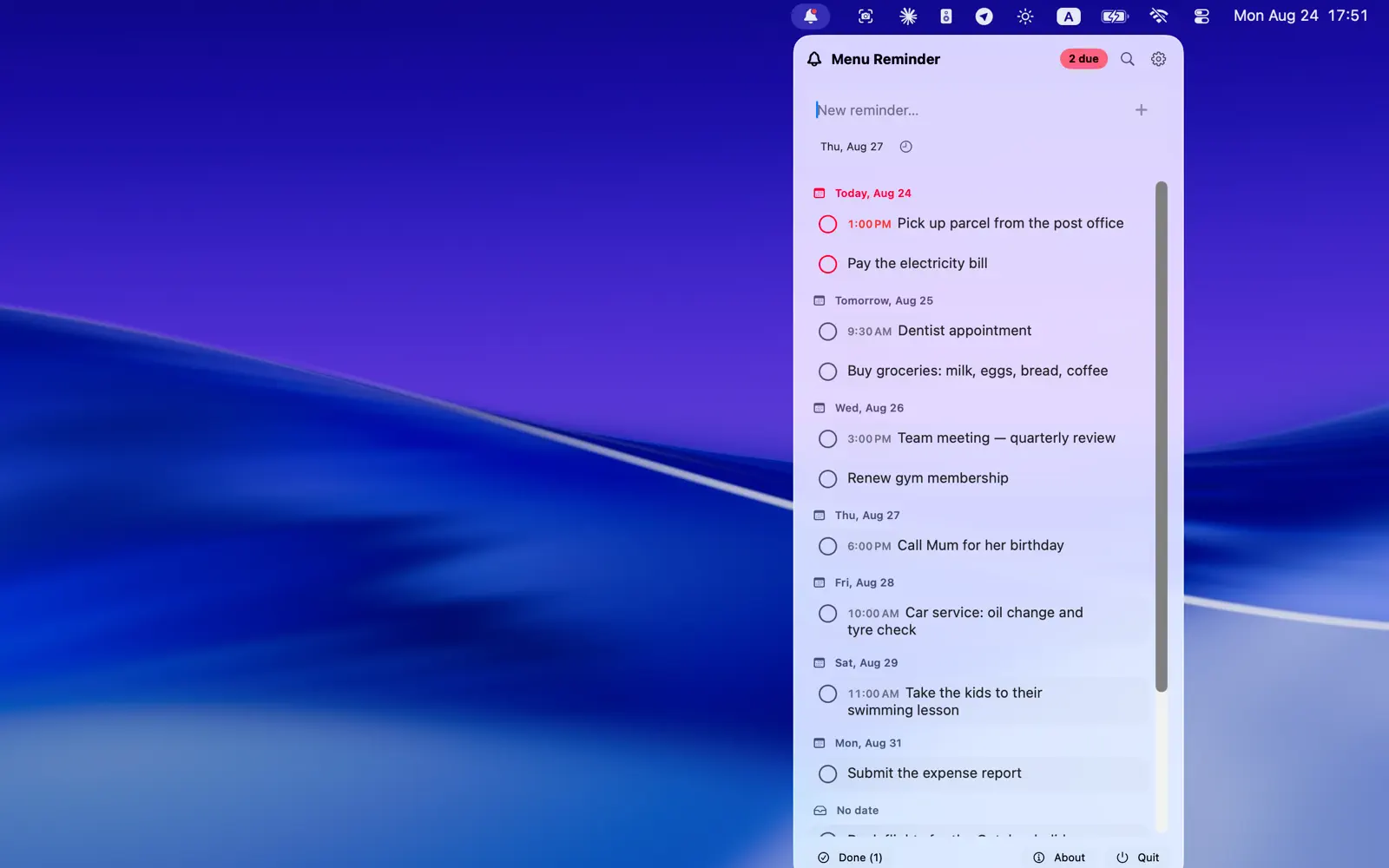
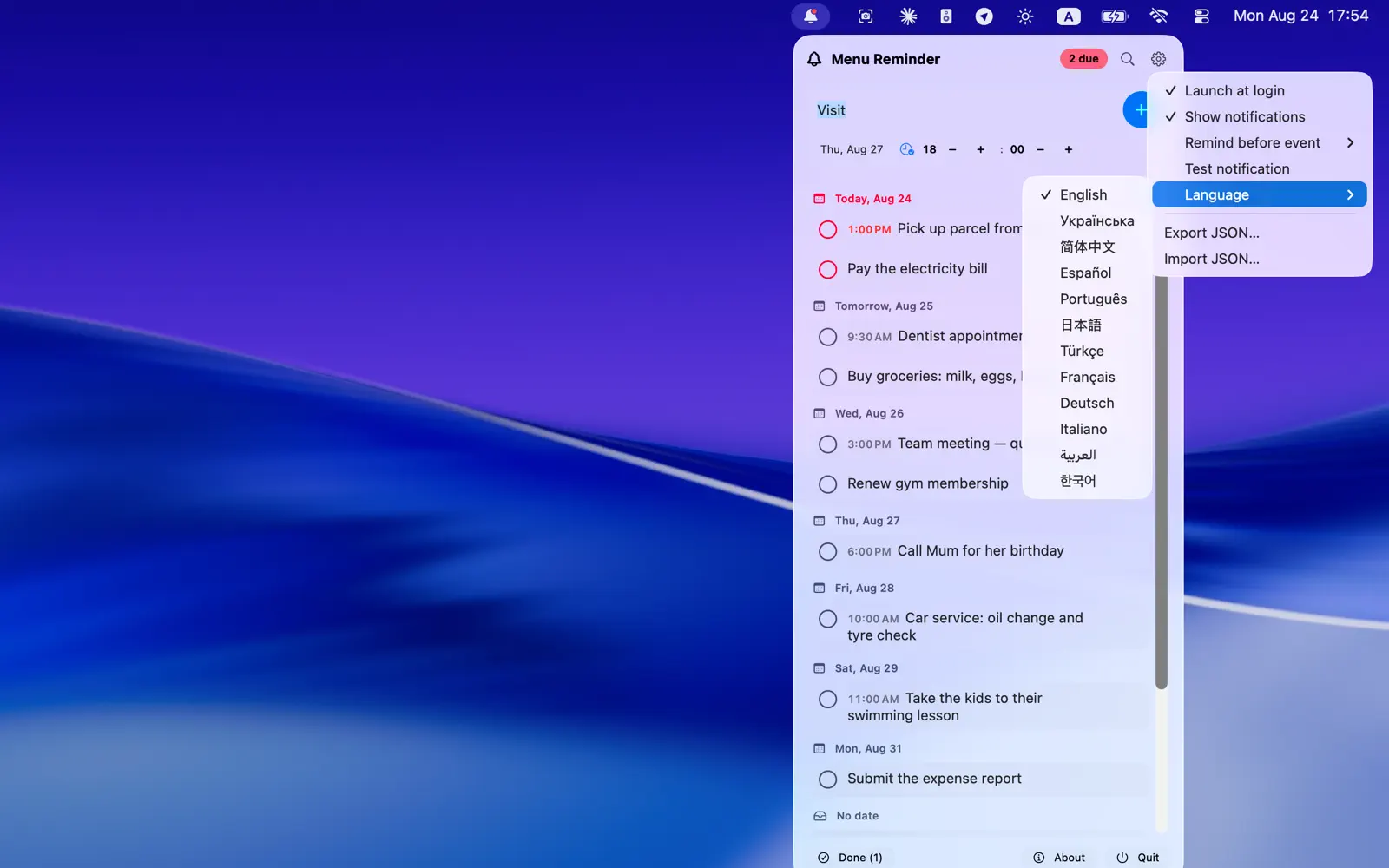
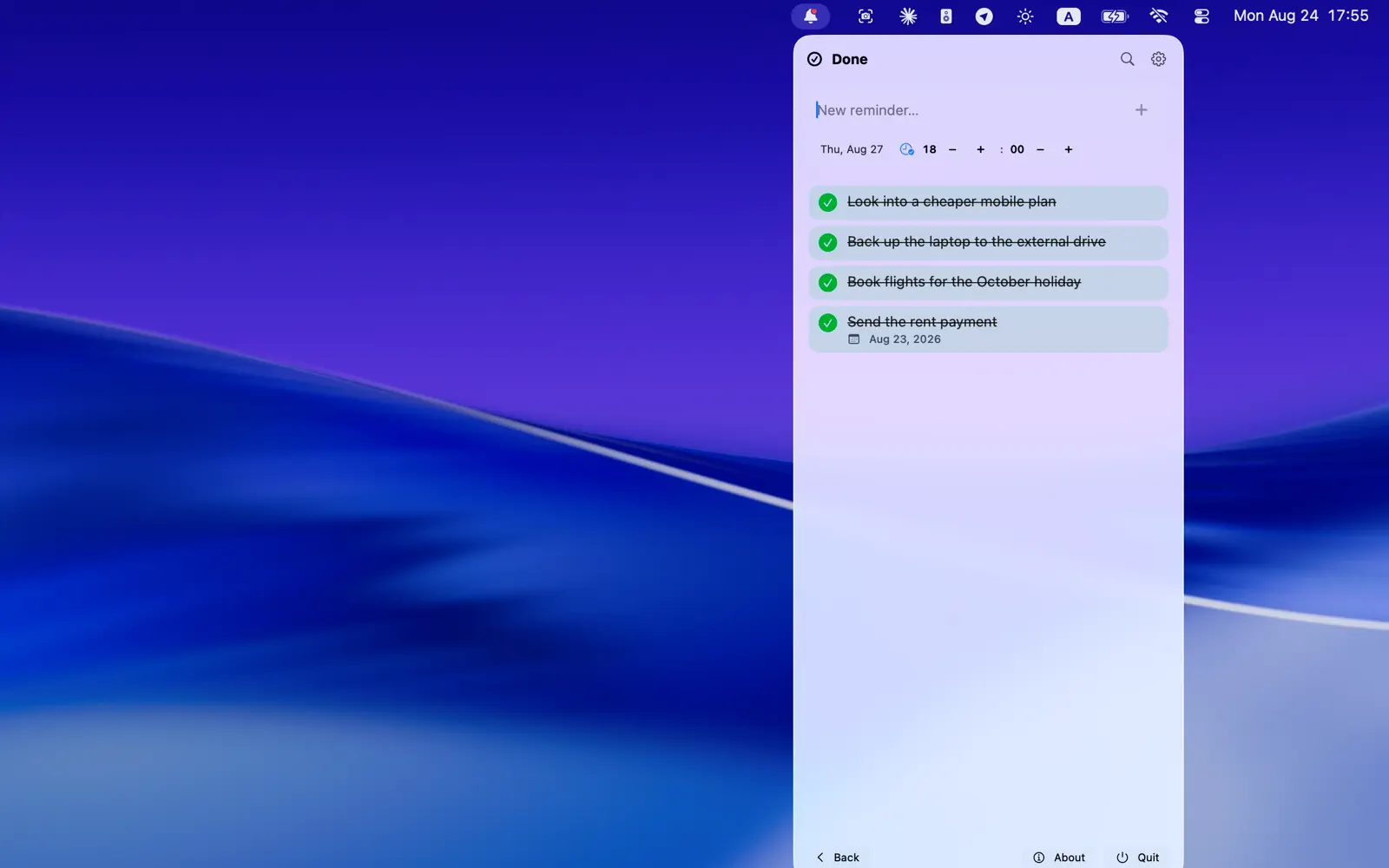
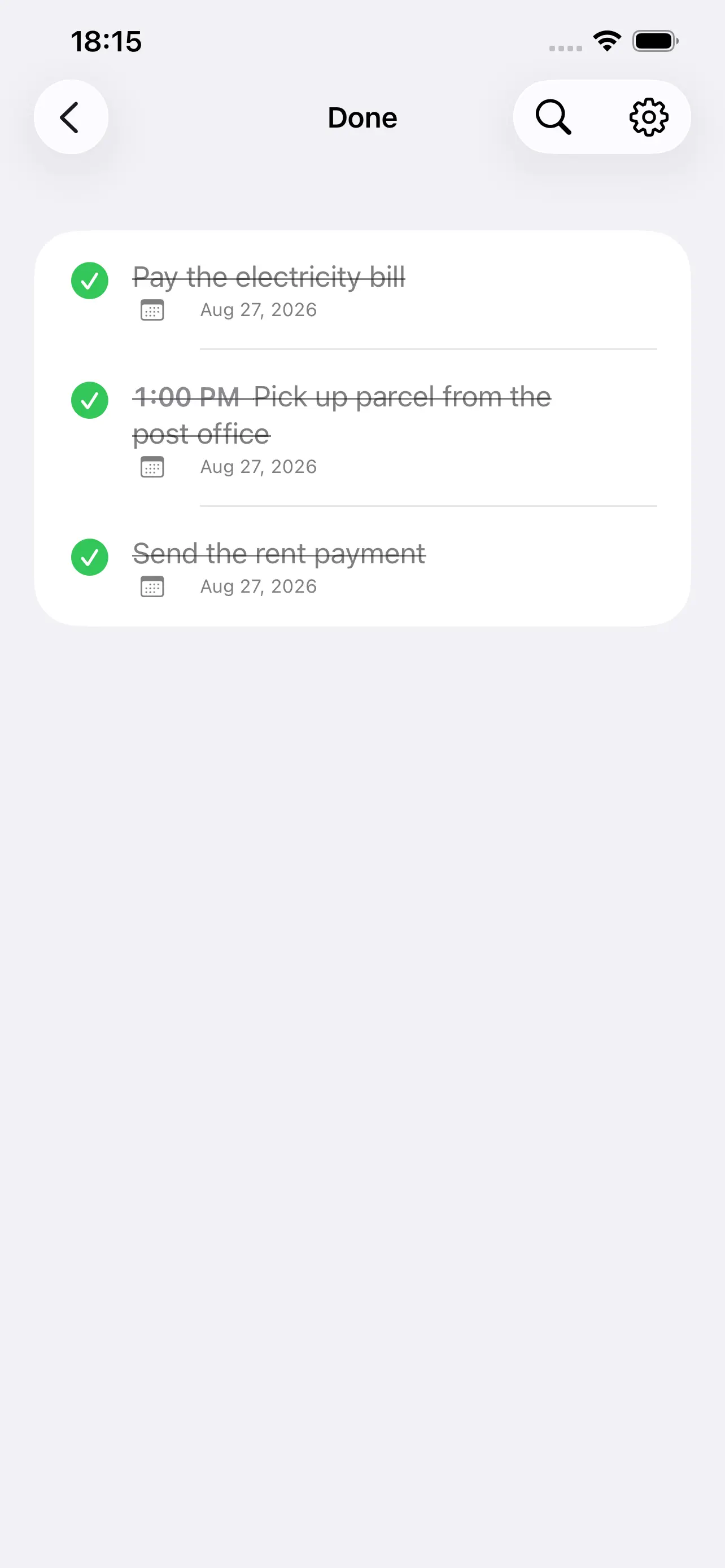
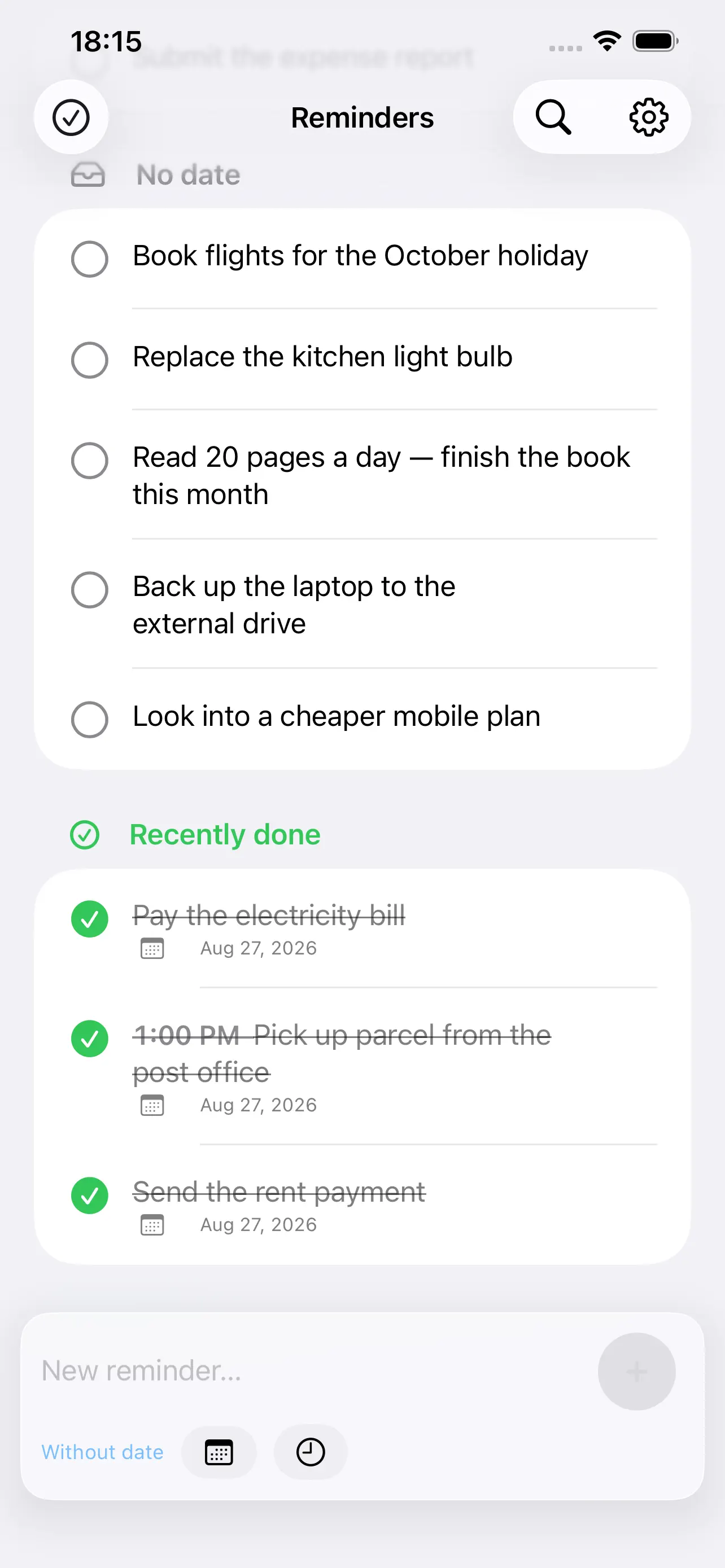
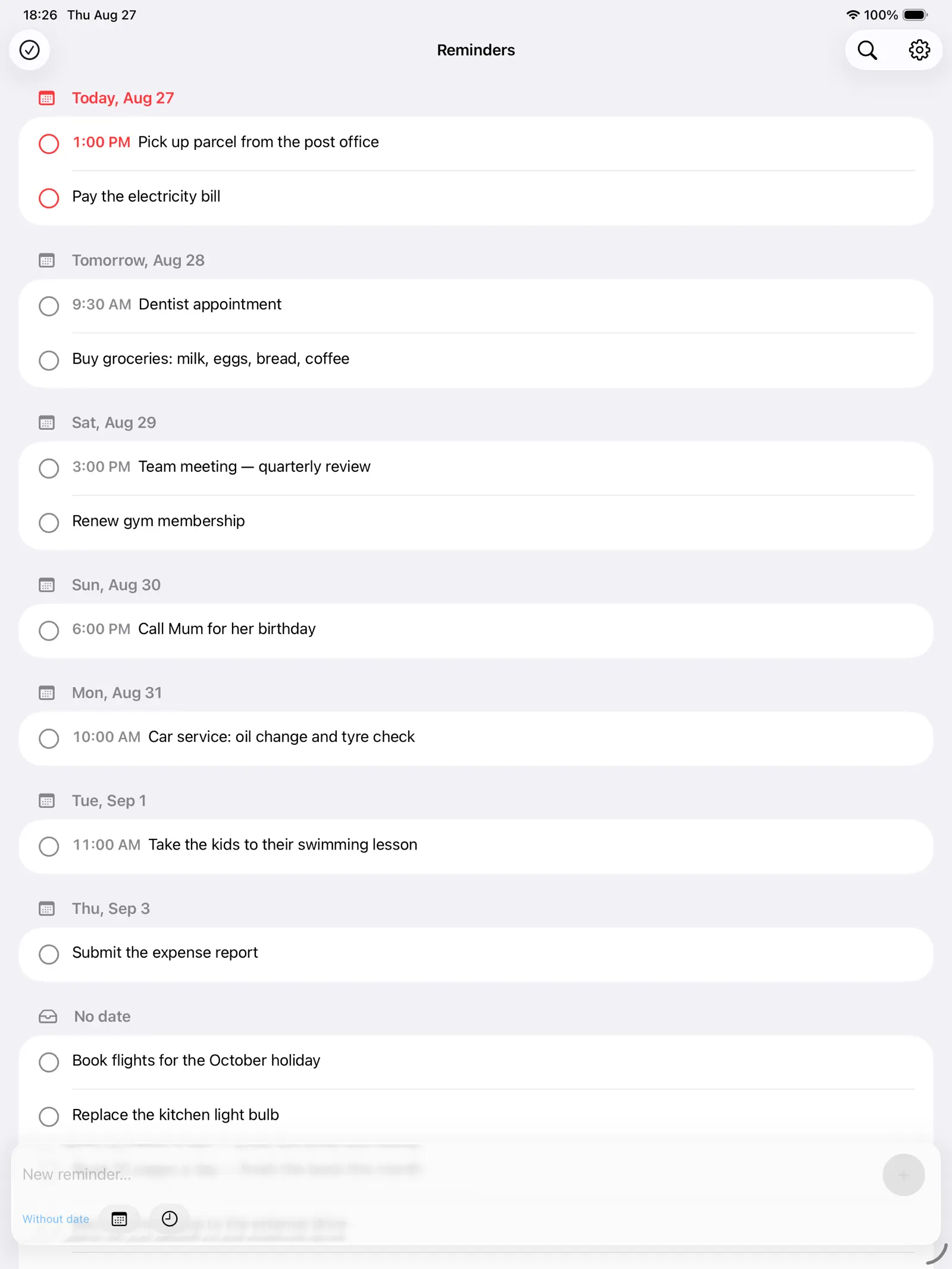
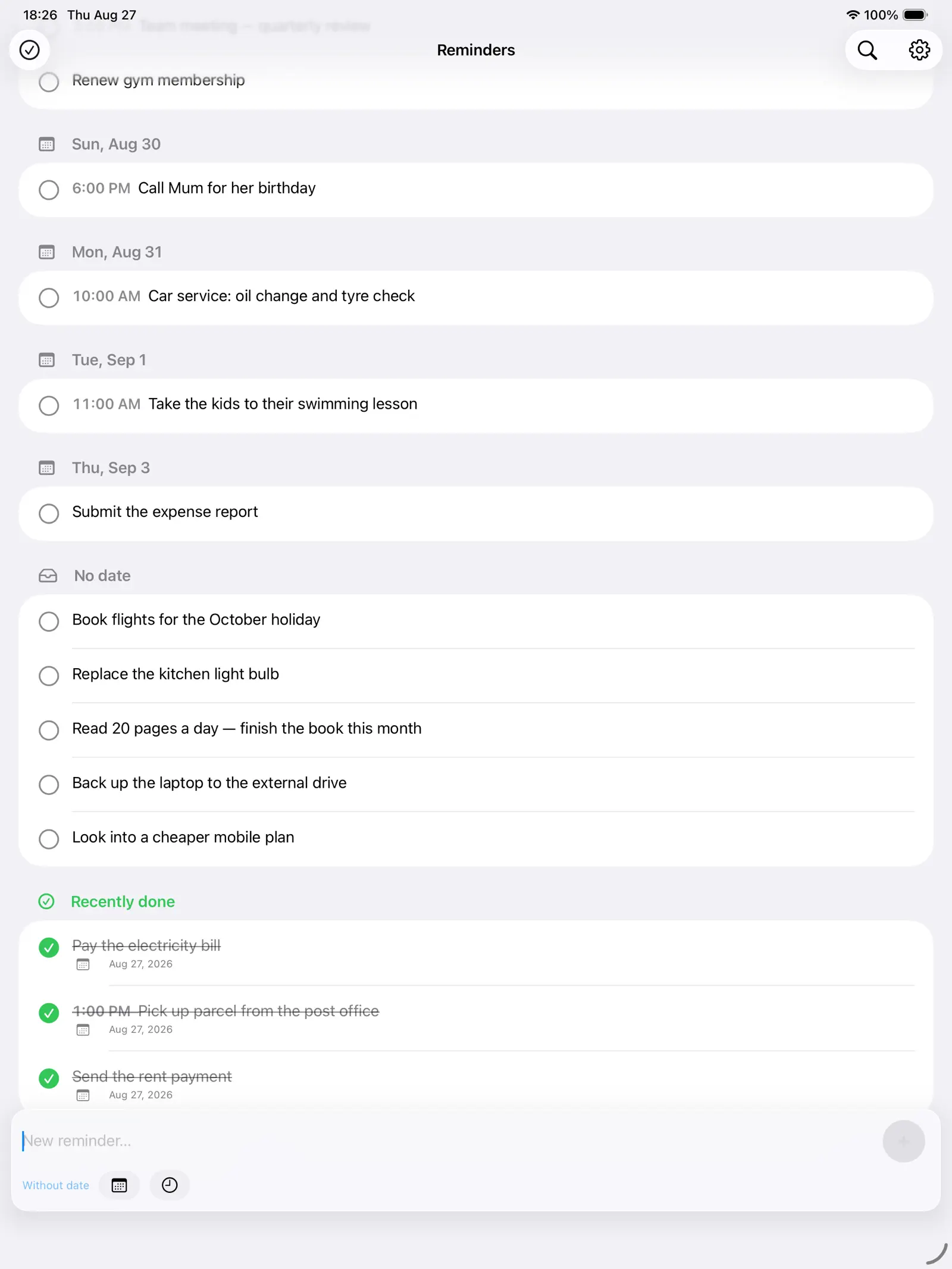
Reminders sort themselves into Today, Tomorrow and the days after, with anything undated kept in its own place. Overdue items turn red. What you finished today stays in view until tomorrow, so the list shows the day you actually had.
On your iPhone, iPad and Mac
One app for all three. On the Mac it sits in the menu bar, a click away from whatever you were doing. Everything you add reaches the others through iCloud — no account to create, no sign-in, nothing to set up. If you are signed in to iCloud, it simply happens.
Told in time, not too late
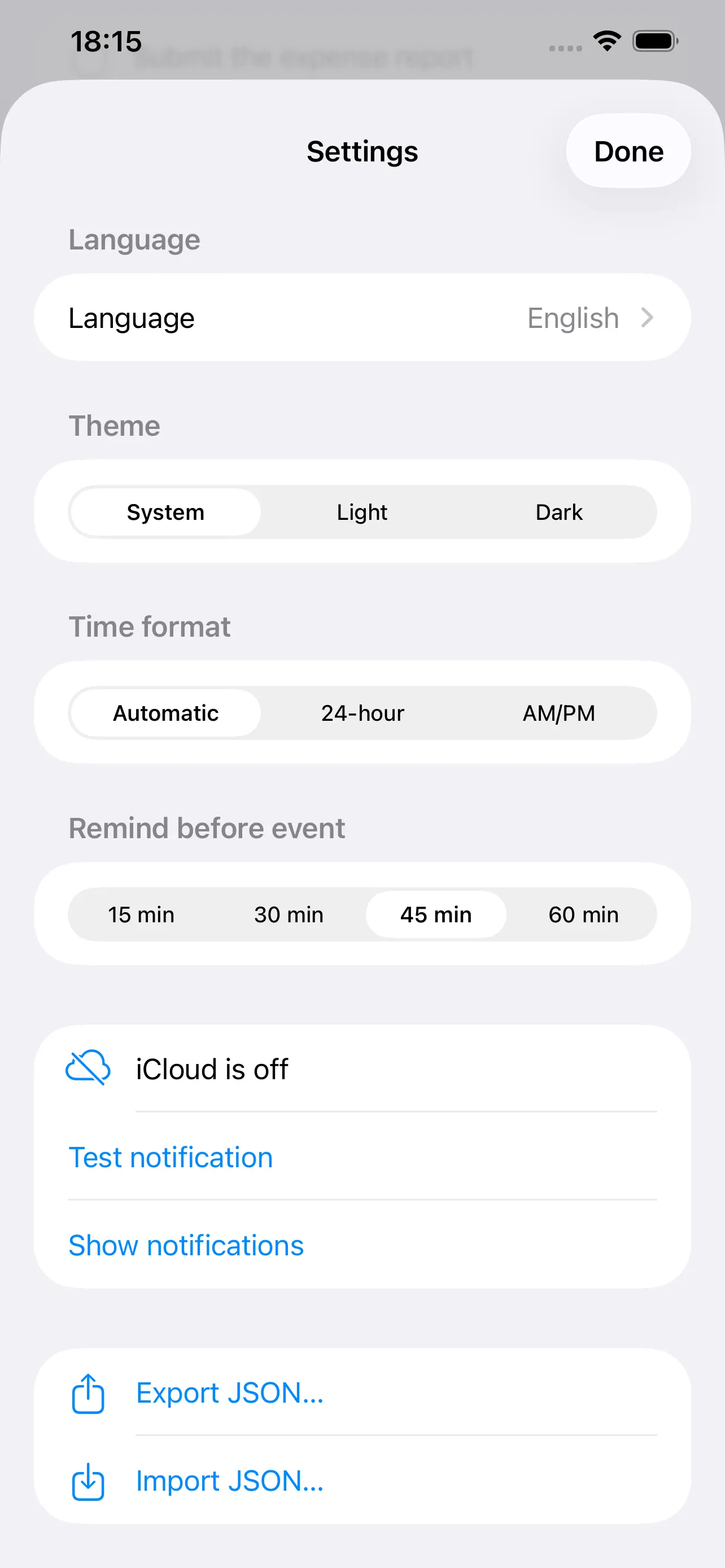
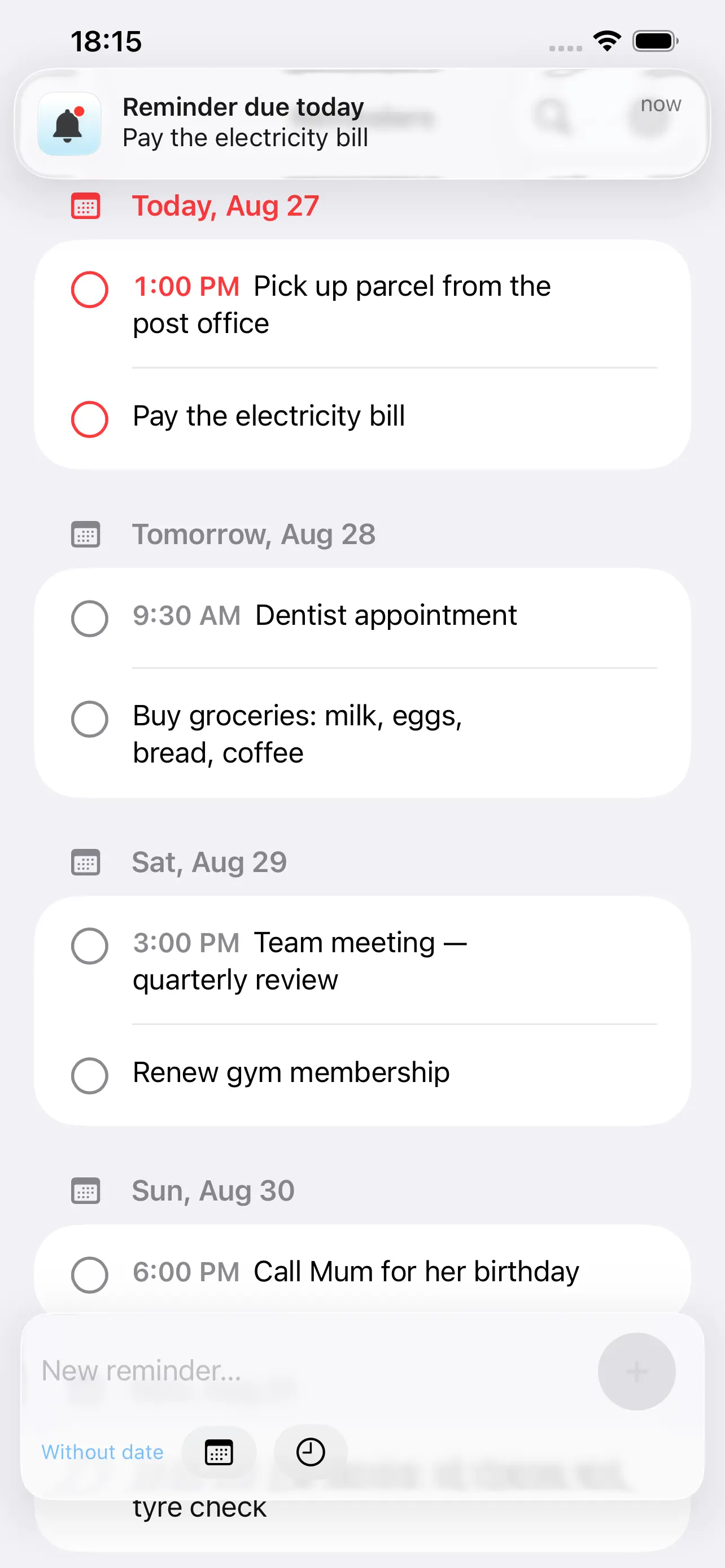
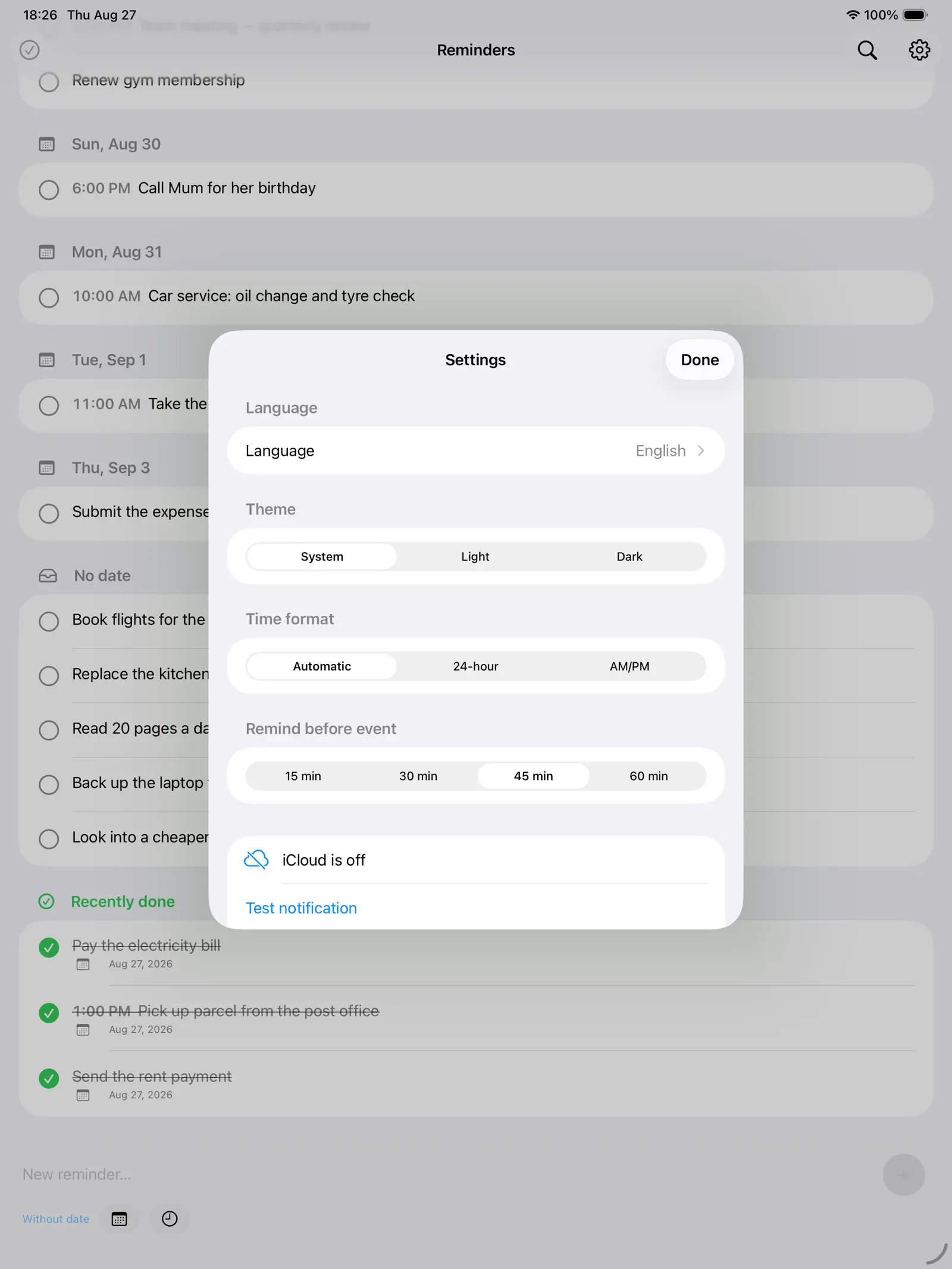
Anything due today reminds you once. Anything with a time can reach you 15, 30, 45 or 60 minutes ahead — enough warning to leave the house. Mark it done from the notification without opening the app.
In the menu bar
- Click the bell in the menu bar for a glass popover with an input field and + (or ⌘↩) to add.
- Optional due date: click the calendar icon next to the text to show or hide the date picker.
- The list is grouped into a section per due date (Today, Tomorrow, …, overdue in red) followed by a “No date” section. Drag rows to reorder within a section; the order is remembered.
- Click a reminder’s text to edit it inline (↩ saves, Esc cancels).
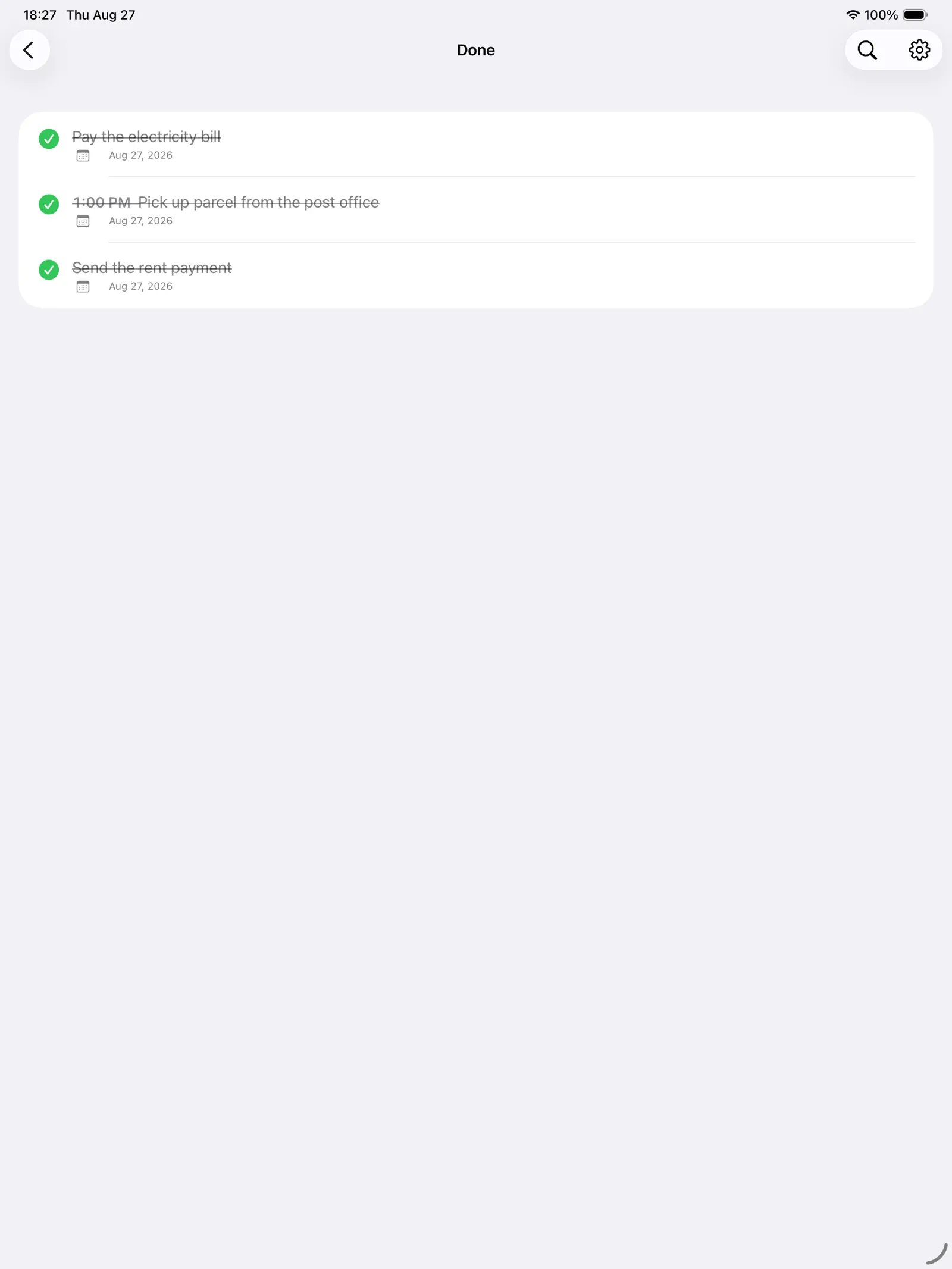
- Checking the circle marks it Done and moves it to the Done section; uncheck there to restore, hover for Delete permanently. The 10 most recently completed items also appear under “Recently done” at the bottom of the main list.
- Links in reminder text are clickable.
- When a reminder’s date is today (or overdue), the menu bar icon turns into a red-badged bell, a notification arrives once per day (with a Done action), and the row is tinted red.
Made to stay out of the way
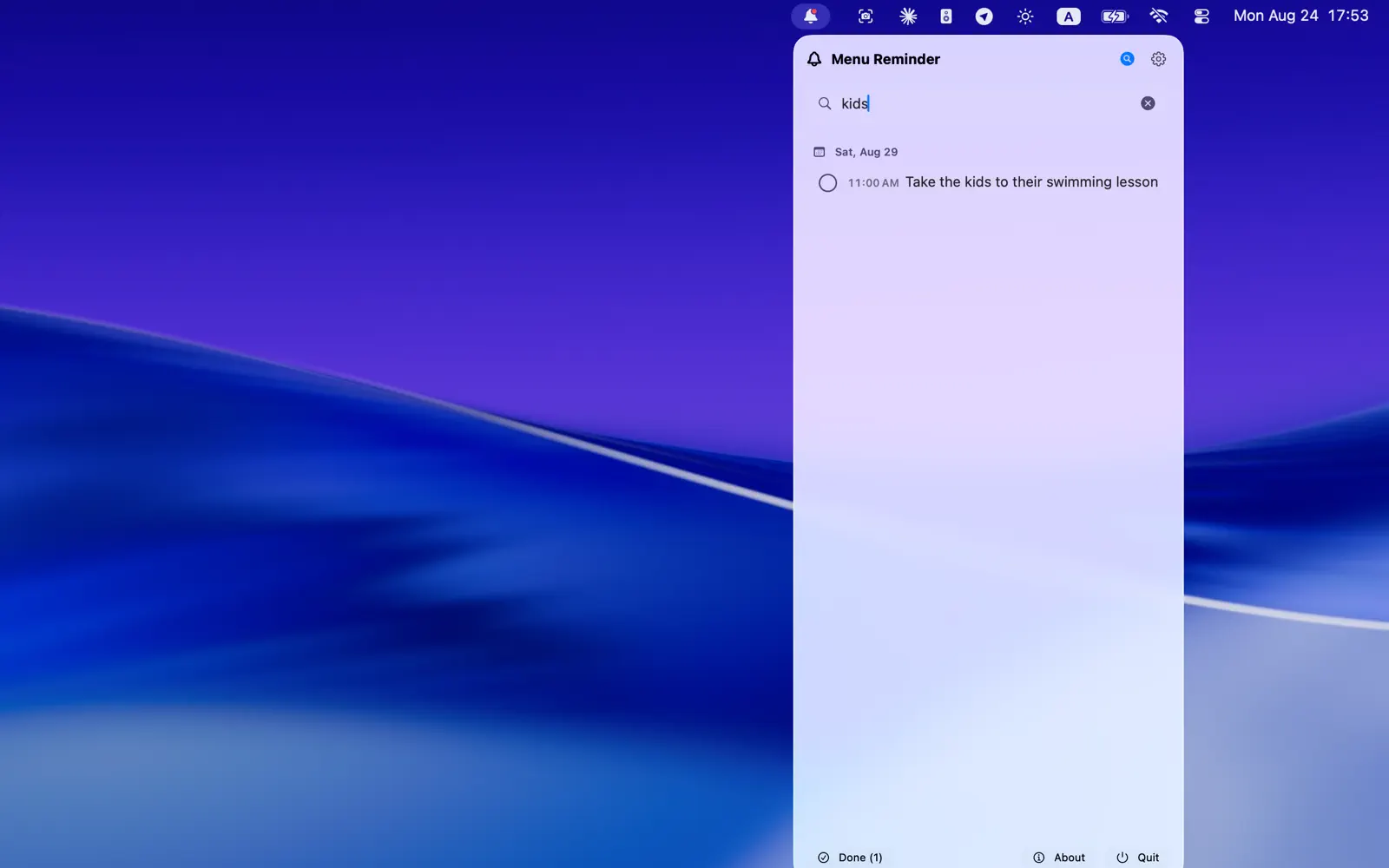
- Filter the list by a word
- Tap to edit, swipe to delete
- Links inside a reminder open with a tap
- Light or dark, independent of your system setting
- 12- or 24-hour clock
- Twelve languages: English, Ukrainian, Simplified Chinese, Spanish, Portuguese, Japanese, Turkish, French, German, Italian, Arabic and Korean
Your reminders stay yours
No accounts, no advertising, no analytics, no tracking. Your reminders live on your devices and in your own iCloud. Export them to a JSON file whenever you like and import them back — nothing is locked in.
Free. No in-app purchases.
Download
- Menu Reminder on the App Store — Mac, iPhone and iPad
- Direct DMG for macOS