Open book with “Tag Manager”
It is possible to organize books in collections with tags. “Tag Manager” simplify this process
It’s not possible to set a tag for multiple books but it’s possible to open tag manager before book opening.
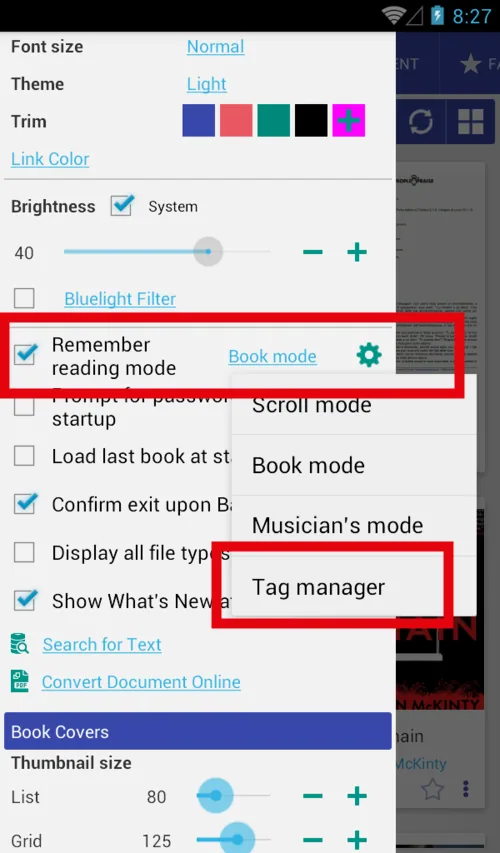
- Set open with (remember reading mode) to “Tag Manager”
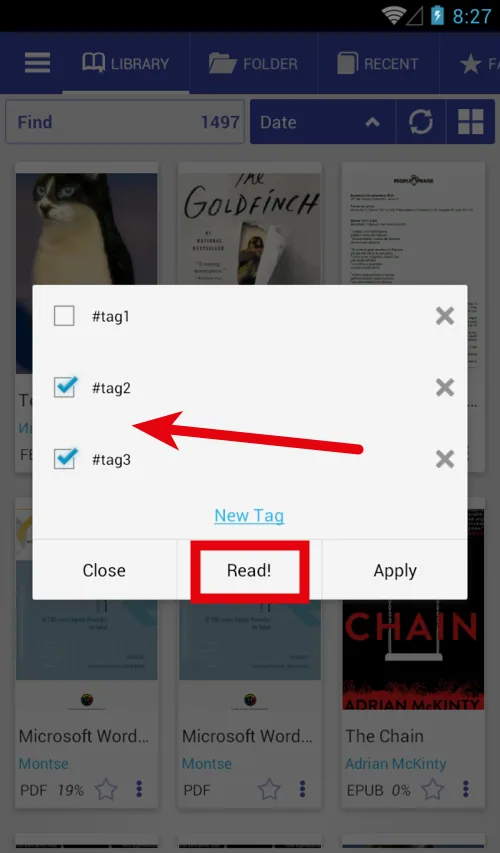
- Click on any book you will see the dialog
- You can set\remove tags and click “Apply”
- You can set\remove tags and click “Read”, tags will also be applied
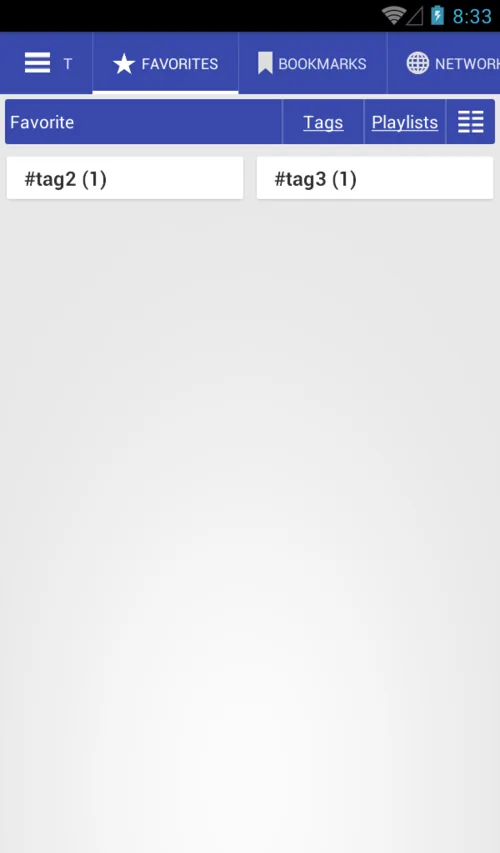
- New tags you can find on the “Favorite” tab
 |
 |
 |
Open tag manager
There are many ways to set\remove tags for the books
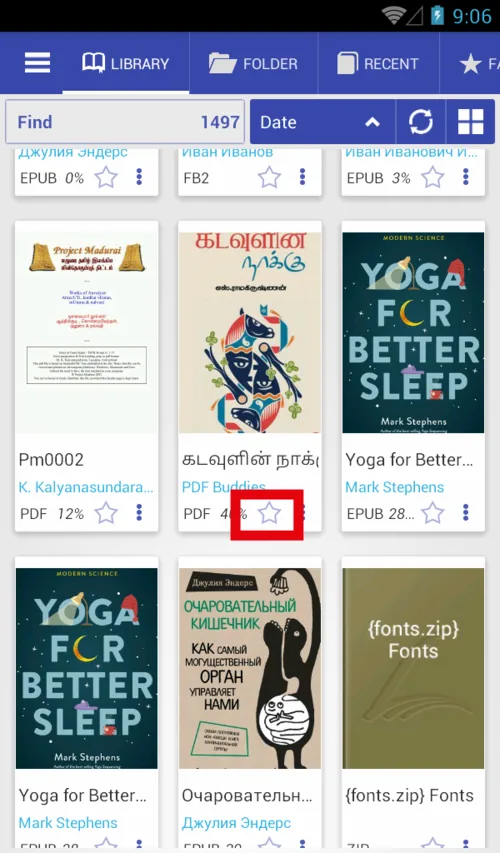
- Long press on the star icon to open tag manager
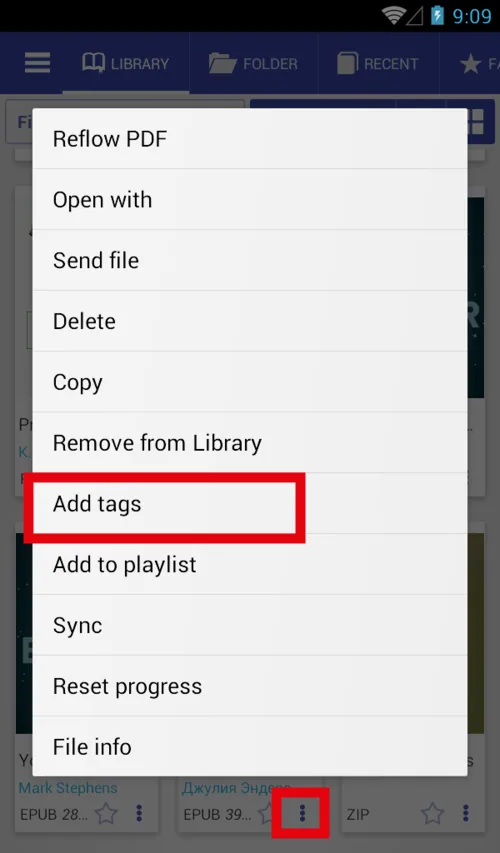
- Open the book menu, click “Add tags”
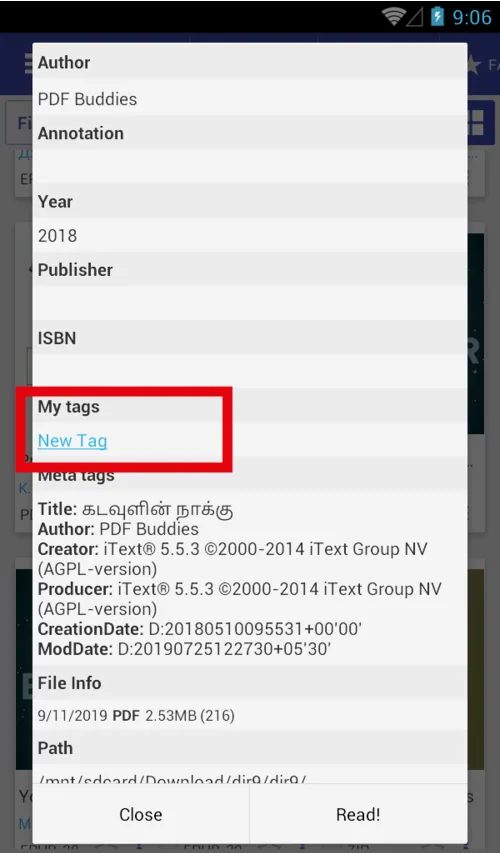
- File info dialog “Add tags”
 |
 |
 |